Your own footageGuide
Film phone b-roll that is useful in an ad edit
Short answer
Film phone b-roll around complete visible actions, with stable framing and consistent focus and exposure. Leave a short still moment before and after the action so the editor can choose clean cuts. Capture useful angles, then review them at the intended ad crop while you can still reshoot the missing detail.
Returning from a shoot without the action’s ending creates an avoidable editing gap. Plan phone footage around the sentence it must support, including angle, contact point, complete movement, and crop room. Review several frames and replay the action before leaving, while an obstructed view or incomplete demonstration can still be filmed again.
Plan actions instead of general b-roll
Write the real task the product performs and the visible part the ad must explain. For a hypothetical container, that could mean opening the lid, placing an item inside, and stacking the closed container. Treat each as a separate filming request.
ai ad workflow small business covers the wider small-business workflow. In our production in October 2026, footage gaps become specific requests rather than a demand for more material in general. A room tour may look attractive while leaving every product mechanism unshown. Match each planned shot to a role so the filming session fills the actual gap.
Establish stable framing and capture settings
Place the phone on a stable support when a stationary view serves the action. Check the lens, orientation, and background before recording. Choose a view that reveals the relevant contact point without making the object too small.
Apple’s Apple: record video on iPhone documents video recording and available controls for iPhone. Controls vary by device and mode, so check the phone in use rather than assuming one universal menu. The production advice here is to preserve a consistent, readable action. Do not change several capture settings mid-sequence without recording what changed and why.
| Shot requirement | Suggested filming check |
|---|---|
| Complete action | Beginning, interaction, and result are visible |
| Stable picture | Support or deliberate controlled movement |
| Consistent image | Focus and exposure remain suitable |
| Edit flexibility | Still handles before and after the action |
Source: suggested production checklist, October 2026.
Check focus and exposure through movement
Focus on the part the viewer must see, then rehearse the action. A hand entering the frame can change what an automatic system considers important. Bright packaging or a window can also alter exposure during the shot.
Review the rehearsal at the intended crop. If a critical label becomes soft halfway through, adjust the capture approach before recording the full set. A sharp opening frame is not enough. Keep the object’s color and key details visible throughout the movement, especially if the footage will be used as evidence of a physical mechanism.
A sentence about a cable clip needs a close view of insertion, not merely a finished cable on a wall. Capture the approach, contact, and completed position so the editor can choose a complete action. Replay the recording before leaving and check whether the fingers block the useful detail. If the contact is hidden, change the angle while the setup is still available instead of discovering the gap during the edit.
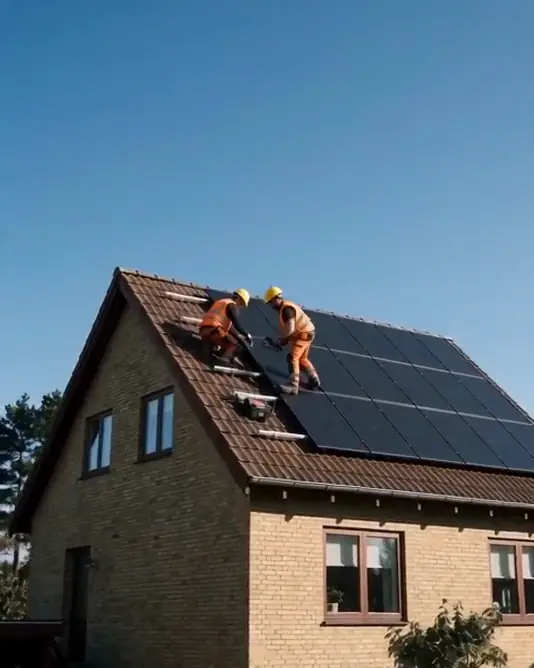
Leave handles around the action
Hold the shot briefly before beginning and after completing the task. Those handles give the editor room to choose a clean cut and avoid starting halfway through a movement. Keep the phone still until the recording ends.
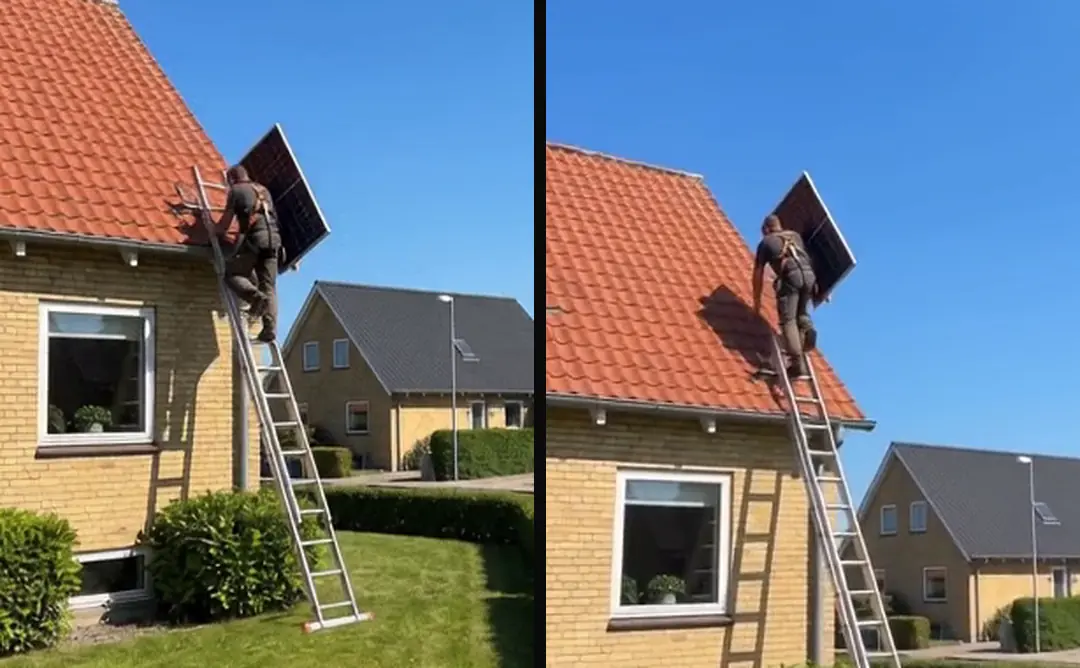
In our production in October 2026, clips are cut at meaningful boundaries rather than inside a transition or a word. For a demonstration, the equivalent boundary is a complete readable action. Do not stop immediately after a lid snaps shut if the viewer needs a moment to see the final state. Preserve that state without adding an artificial hold later.
Capture complementary coverage
Film a wider view that establishes orientation, then a detail that reveals the mechanism. Keep the product’s position and action consistent so the editor can connect the views. Several close-ups with no establishing relationship may be harder to use than one clear wide take.
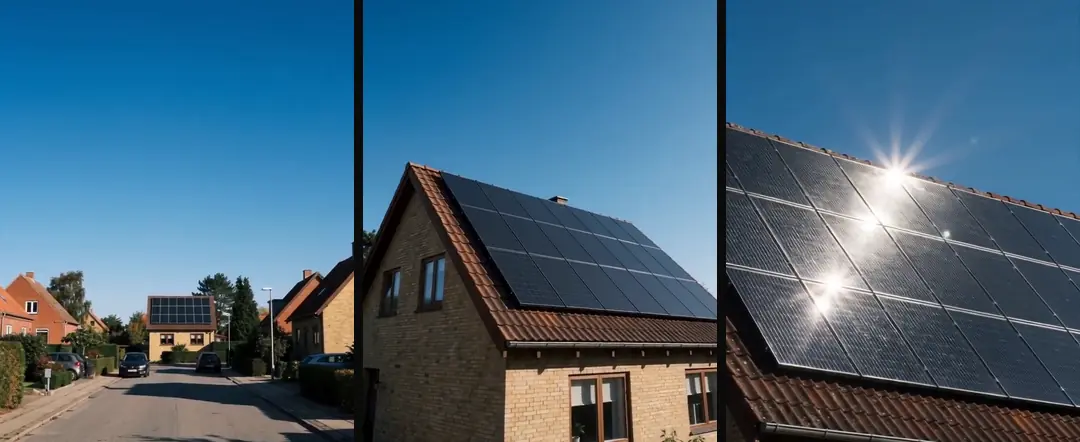
A second angle should answer a different visibility question. An overhead view can show placement; a side view can show height or hinge movement. Avoid changing the action solely to make the shot more dramatic. The footage should remain a truthful record of the product behavior the script will describe.
- 01Name the missing actionProduct and evidence role
- 02Rehearse the shotFraming, focus, exposure
- 03Record complete coverageHandles and complementary angles
- 04Review the actual cropReshoot before leaving
Review the actual delivery crop on location
Preview the source in the intended portrait or other output crop. Check the object, hands, and any reserved caption area. A landscape video source may lose the relevant interaction when cropped for a vertical edit.
Do this while the setup is still available. If the hand’s contact point sits outside the final crop, reshoot with more room rather than assuming the editor can recover pixels that were never recorded. Ask the person performing the action to repeat it at a natural, readable pace, with the same start and end states.
- At captureLeave room around the actionIn the editChoose a clean usable interval
- At capturePreserve the complete mechanismIn the editAlign the explanation to evidence
- At captureReview the delivery cropIn the editAvoid inventing missing coverage
Keep technical source notes
Record the device, capture mode, and any unusual settings that affect editing. Variable frame rate footage in a video ad edit covers variable frame-rate footage, a source-preparation issue that should not be confused with a creative failure. Keep the original file even when an editing copy is made.
Deduplicate a video library while keeping provenance explains duplicate handling. Repeated takes should retain distinct identities until reviewed; similar content is not necessarily the same file. Name video assets with stable IDs and readable labels covers stable asset IDs and labels. A useful name can describe the action, while the stable ID preserves the reference when the label later changes.
Deliver selected takes with their purpose
Choose candidates after watching the complete action. Note the usable interval and the intended role, and keep rejected takes separate without hard deletion. Include any captured real sound that may help the editor, clearly distinguished from the approved voiceover.
Bring your own content describes Bring your own content. The filming result should be a small set of purposeful sources with clean boundaries and enough room for the final crop. A practical on-location review can prevent the next edit from depending on missing contact, an incomplete action, or a focus change no one noticed while recording.
Who wrote this We made the ads first, for SmartSolar in Denmark, Sweden and Ireland. Then we built Turntake. Where Turntake comes from
FAQ
Should I film a long continuous session?
Plan complete actions and preserve handles around each take. Long recordings can contain useful material, but they do not replace clear source boundaries and role notes. Review the relevant action before moving the setup so missing detail can still be reshot.
What are handles in b-roll?
They are usable still or steady moments before and after the main action. They let the editor choose clean cuts and show the final state. Do not stop the recording immediately when the mechanism moves if the result still needs to be seen.
Why check the final crop while filming?
A source can look clear in its full frame but lose the hand or object detail in the ad’s crop. Review that crop on location. More room can be filmed immediately; missing pixels cannot be restored by a later editing decision.
Do phone controls work the same on every device?
No. Check the device and recording mode you are actually using. Keep focus, exposure, framing, and technical notes consistent with the shot’s purpose. The filming checklist is a proposed method, not a universal description of every phone interface.
Sources
- Apple: record video on iPhone checked 11 October 2026
Facts from the sources below were checked on the date shown. Pages change, so read the source again before you rely on it.