ClaudeGuide
Version control for video ads: know the approved cut
Short answer
Version control for video ads should identify immutable outputs, compare recipe changes and bind notes and approvals to the exact cut reviewed. Keep earlier takes available, record the intended revision and issue a final approval manifest. A familiar filename or the newest modification time is not sufficient evidence that a file is the approved version.
Give every cut an immutable identity
A team needs to know which cut a note describes and which cut the owner approved. Reusing the same final.mp4 path for every revision makes those questions harder even when the files are stored carefully. Give each output an immutable identity and a manifest so readable filenames can change without losing edit and approval history.
In our production in October 2026, final outputs retain earlier versions and bind their recipes through hashes. claude for ads gives the broader context. Anthropic’s memory guide and skills guide describe persistent instructions and reusable methods; the version manifest here is a proposed record for exact media and approvals.
A hypothetical backpack ad receives a pocket-shot correction after a reviewer watched the earlier cut. Keep that reviewed output intact and record the replacement as another version. The new approval should identify its media and associated text, rather than a filename that several revisions have shared. This makes the history useful: another editor can reconstruct what changed, which issue prompted it and which exact package ultimately received acceptance.
Record output ID, content hash, recipe revision, language, aspect ratio and parent version. Add a human-readable label, but do not make it the sole reference. A later operator should be able to resolve “approved cut” to one definite file.
For a hypothetical revision, version B might replace the opening while retaining version A’s body. Record that relationship and the reason for the change. Do not overwrite A or rewrite its approval to describe B. The earlier file may be needed to understand a reviewer’s note, reproduce a defect or restore the previous accepted cut. History is useful evidence, not merely storage overhead.
| Check | Suggested action |
|---|---|
| Identity | Use output IDs and hashes |
| Diff | Compare recipe and intended effect |
| Notes | Keep original reviewed version |
| Approval | Record exact package and conditions |
Source: Turntake editorial checklist (proposed), October 2026.
Compare recipes for meaningful changes
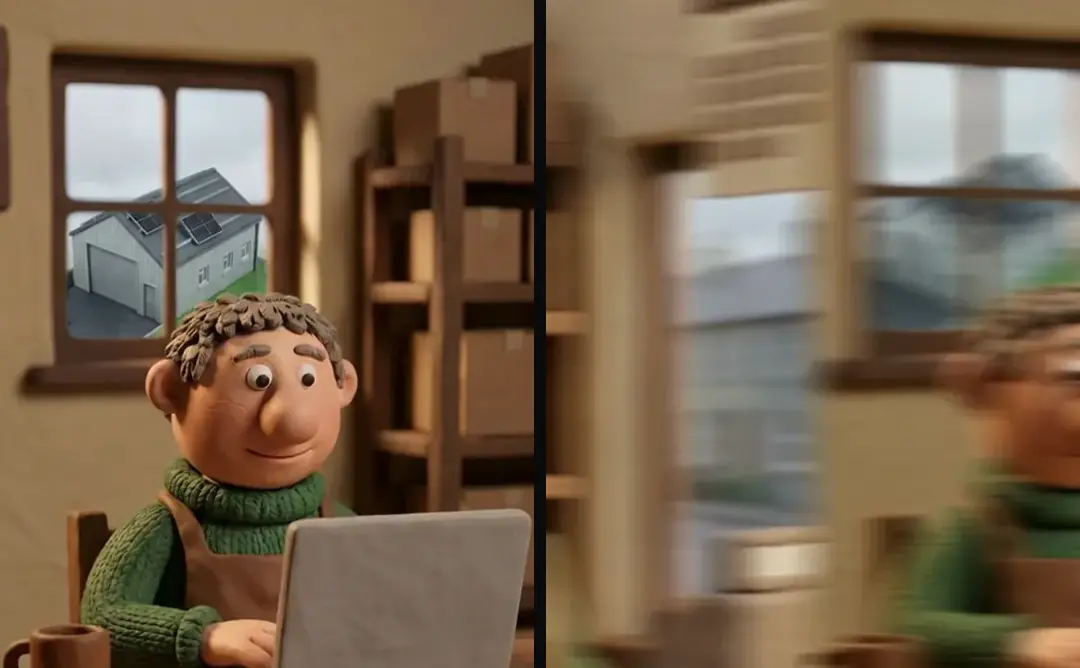
Binary video files are difficult to review as text. Compare the structured recipe for changed source IDs, intervals, text, layers and sound treatment, then inspect the corresponding media. A recipe difference can explain the intended operation without proving the renderer executed it correctly.
Group the change note by editorial effect: new hook, corrected caption, alternate shot or revised qualification. Avoid a raw dump of every regenerated path when only one decision matters. The reviewer needs both intent and output evidence. Keep the exact recipe hash with the final record so the text comparison cannot accidentally describe a different render than the one being watched.
- 01Assign output identityPreserve immutable cut
- 02Compare recipe changesExplain editorial intent
- 03Review exact revisionBind notes and findings
- 04Record scoped approvalIdentify accepted package
Pin notes to the version the person saw
Store version ID and location with each note. If the next cut changes timing, inspect where an unresolved issue now occurs before transferring it. A timestamp alone can point to another thought after an opening is shortened.
In our production in October 2026, review notes can target a second, word, clip or point in the frame. Keep the note’s original evidence when it is carried forward. A resolved note should identify the revision where the fix was checked. Do not erase the old note or imply it was always correct. The history tells the team why a source, label or timing choice changed.
Distinguish rendered, reviewed and approved
A rendered file exists. A reviewed file has findings. An approved file has a decision by the responsible person for a defined scope. These states should remain distinguishable even if a small team uses a simple table instead of a formal system.
Build a video render queue with visible job states covers render queue states, which describe execution rather than editorial acceptance. Validate AI video ad outputs before human review covers mechanical validation gates, which can establish media properties without approving the message. A file can pass both and still require a factual review. Keep those results beside the output ID rather than collapsing them into one generic “complete” status that later operators may read as authorization to release.
- StateRenderedEvidenceFile and output hash
- StateValidatedEvidenceChecks tied to that hash
- StateReviewedEvidenceLocated findings
- StateApprovedEvidenceNamed decision with scope
Issue an approval manifest for the exact package
Record the accepted video, associated copy, language, crop, approver, date and conditions. If approval covers only a particular label or aspect ratio, preserve that scope. A later change to wording can invalidate the approval even if the video file itself remains unchanged.
Keep delivery records separate from approval. An accepted package may still await the authorized operator’s next action. In our October 2026 workflow, account changes stay with a person. Do not let a version-control status imply that an ad was uploaded or activated. The manifest should describe what was accepted, while the operational record describes what happened afterward.
Restore earlier work without losing the failed revision
If a new cut introduces a defect, return to the earlier accepted output and recipe while preserving the failed candidate as history. Write the reason and decide the next limited change. Reconstructing an old final from memory defeats the purpose of retaining versions.
Retry AI generation jobs without submitting twice covers external generation request state, which has a different identity problem: avoiding duplicate submissions. Turntake’s model plans describes Turntake’s model plans. Keep those provider jobs separate from the media version history even when their returned assets appear in a recipe.
For a suggested handoff test, ask another operator to find the exact cut approved for a stated language and ratio. They should reach the file, recipe and approval without comparing modification times or asking which “final” folder is current. If that fails, repair the manifest and links before adding another revision label.
Freeze the accepted package
After final approval, keep the accepted media and associated copy immutable. Make any later correction a new candidate with a parent reference. This does not prevent useful revisions; it preserves what the person actually approved. A hypothetical typo correction in a caption should identify the changed word and the new output hash, while leaving the earlier approval as history. The team can then decide the scope of re-review instead of discovering an unrecorded replacement during delivery.
Who wrote this We made the ads first, for SmartSolar in Denmark, Sweden and Ireland. Then we built Turntake. Where Turntake comes from
FAQ
How should I version video ad edits?
Version control for video ads should identify immutable outputs, compare recipe changes and bind notes and approvals to the exact cut reviewed. Keep earlier takes available, record the intended revision and issue a final approval manifest. A familiar filename or the newest modification time is not sufficient evidence that a file is the approved version.
How do I keep a manifest rather than trusting names?
Record output ID, content hash, recipe revision, language, aspect ratio and parent version. Add a human-readable label, but do not make it the sole reference. A later operator should be able to resolve “approved cut” to one definite file.
How do I compare recipes for meaningful changes?
Binary video files are difficult to review as text. Compare the structured recipe for changed source IDs, intervals, text, layers and sound treatment, then inspect the corresponding media. A recipe difference can explain the intended operation without proving the renderer executed it correctly.
How do I pin notes to the version the person saw?
Store version ID and location with each note. If the next cut changes timing, inspect where an unresolved issue now occurs before transferring it. A timestamp alone can point to another thought after an opening is shortened.
Sources
- Anthropic: Claude Code memory checked 11 October 2026
- Anthropic: Claude Code skills checked 11 October 2026
Model facts come from each maker’s own documentation, checked on the date shown. Models change, so read the source again before you plan a batch.