ClaudeGuide
Plan Nano Banana stills with Claude
Short answer
Use Claude to prepare and review a still-image job before asking for motion. Name the product, purpose, reference assets and facts that must remain unchanged. Choose the exact Nano Banana model through its documented route, save the approved still as a versioned asset, and pass that asset into the later motion brief.
Start with the image’s job
A still intended as an animation start frame needs a different brief from a finished static ad. Decide which role the image will serve before writing the prompt, because framing, empty space and readable text depend on that decision. Use Claude to plan those decisions and review conditions before preparing a request through the chosen documented model route.
Google’s Gemini image-generation documentation uses Nano Banana for an image-model family. Record the actual model identifier from the route you choose. Claude’s skill mechanism can hold the briefing method, but it does not itself establish access to Google’s image API. claude for ads explains that broader division of responsibilities.
For a hypothetical coat hook sequence, the still is a starting asset for a later hanging action. Its brief needs product-shape references, hallway context and enough space for that movement. An attractive composition that hides the attachment point would fail this particular job. Claude can help plan and review those decisions. This is a proposed brief, not evidence of a live Turntake connection or an image produced by a named model.
Specify the subject, setting, image purpose, aspect ratio, reference assets and factual restrictions. For a hypothetical clay workshop, the purpose could be an establishing shot before a product demonstration. That purpose suggests a stable view of the bench with enough room for a later label.
Name what must remain true: product shape, material, color and any visible components. If the scene is purely illustrative, say so. Do not ask a generated image to demonstrate an actual product capability that the source evidence does not show. A polished picture can make an invented mechanism appear more credible, which is precisely why the factual boundary belongs in the brief before generation.
| Check | Suggested action |
|---|---|
| Purpose | Separate start frame from finished static |
| References | Identify the authority for each detail |
| Evidence | Use real screens for factual UI |
| Approval | Bind the selected still to its hash |
Source: Turntake editorial checklist (proposed), October 2026.
Use references to carry continuity
Give each reference a role. One may define the character, another the product and another the scene layout. An undifferentiated pile of images makes it hard to tell which details should win when they conflict. Resolve contradictory references before submitting the job.
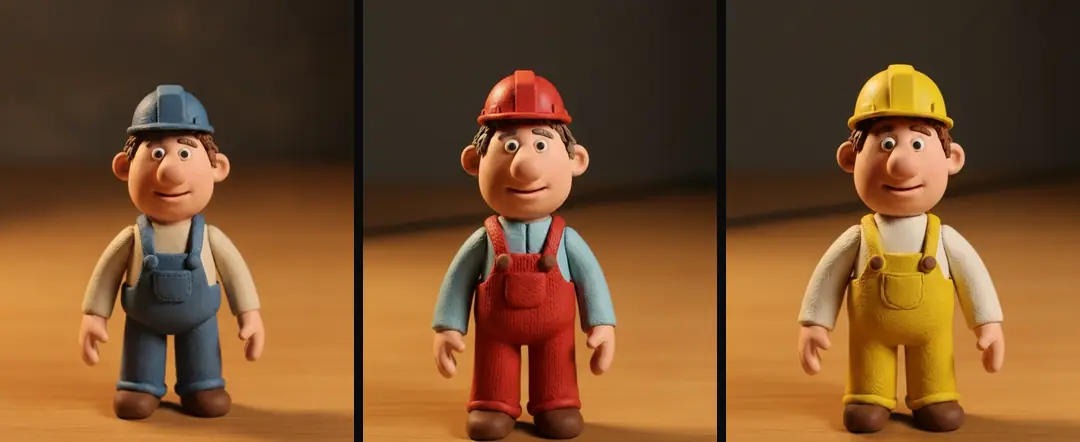
In our production in October 2026, one canonical character and style description holds the look across shots. Keep the still brief tied to that revision. If the sweater changes color in an approved image, either reject the change or update the canonical source explicitly. Do not let an incidental output become the new truth merely because the next prompt happened to use it as a reference.
- 01Name the image roleEstablish the shot purpose
- 02Resolve referencesAssign each a role
- 03Review actual stillApprove one version
- 04Pass approved assetWrite separate motion brief
Keep typography and evidence under control
Treat a readable number, interface or label as a separate editorial responsibility. In our October 2026 production, real screens are filmed when their text or behavior carries the value of the shot. Built graphics use controlled wording. A generated interface is an illustration, not evidence that the product performs the depicted action.
For an image with a heading, keep the approved text beside the brief and inspect the actual letters in the result. A correct-looking word at thumbnail size can contain a wrong character. If the image will move, consider whether the text should remain a separate layer. That allows the editor to preserve the approved wording when the background is animated or cropped.
Approve the still as its own asset
Review the image at the size where the ad will be seen, and inspect product details at a larger size. Check what the image communicates before judging surface polish. A beautiful establishing shot can still fail if the product is too small to recognize or the action area is cropped.
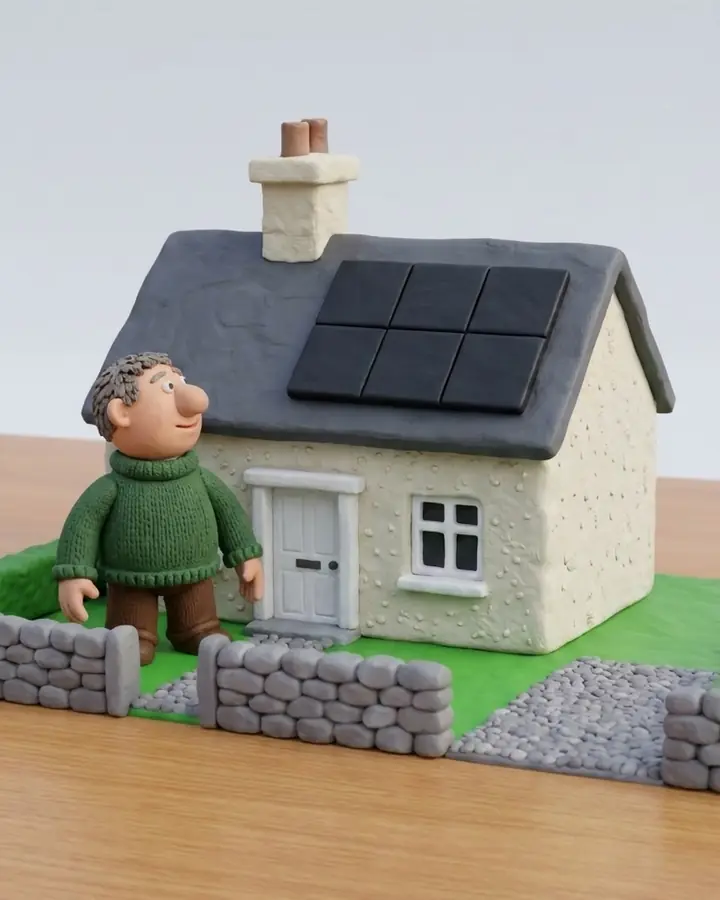
Save the approved file under a stable asset ID, with a content hash, prompt, reference IDs and model record. Store approval against that asset. If another image is generated later with the same prompt, it is another candidate. It does not inherit approval simply because the input text matches. A checker that does not fix: review AI ad outputs explains how the reviewer can return specific defects without silently changing the production source.
- Still decisionCharacter and propsMotion decisionRequested movement
- Still decisionComposition and textMotion decisionTiming of action
- Still decisionApproved image hashMotion decisionResulting clip hash
Hand the approved frame to motion
The motion brief should point to the approved file and request the limited change needed for the shot. Do not re-describe the entire scene from memory. That invites the motion stage to reopen decisions about props, character design or composition that were already settled.
In our production in October 2026, one simple move and one action keep the request inspectable. If the motion requires a new angle that the approved frame cannot support, prepare another still rather than forcing the existing frame into a different scene. Run AI agents on an ad batch: briefs and boundaries covers dividing assets across a batch. Keep the still and motion assignments distinct so each can be reviewed against the right acceptance criteria.
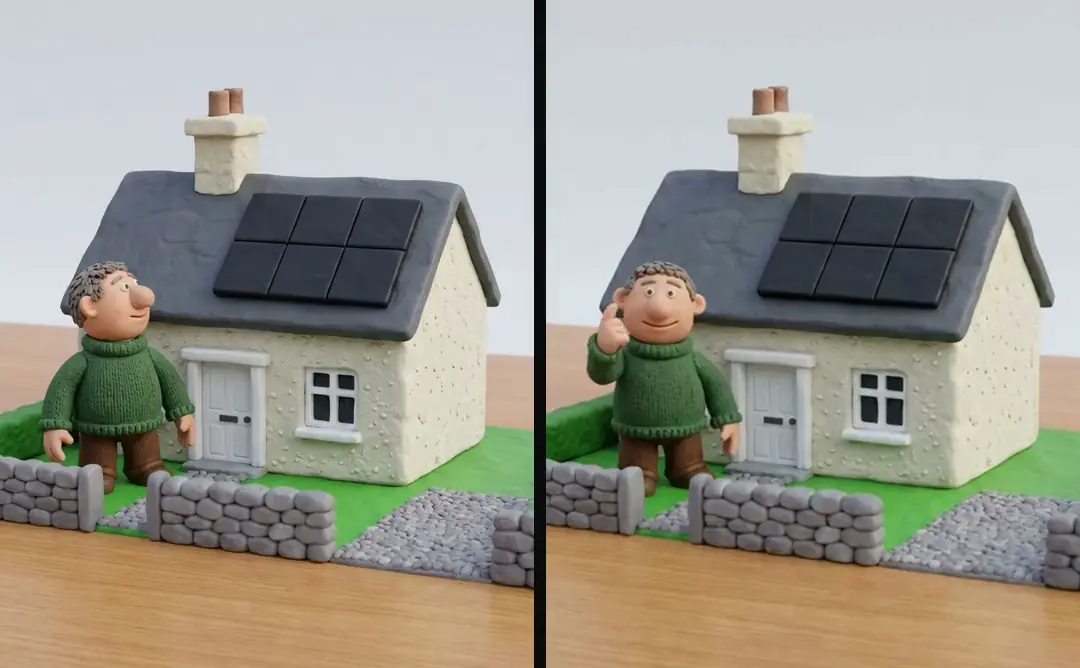
Preserve the setup limits in the handoff
Write down what was demonstrated: the selected route returned an image, the reviewer approved a particular still and that still is ready for a specified motion job. Do not expand that record into a promise that every model feature or reference combination is supported.
AI project memory: decisions in files, not chat shows how project files preserve decisions between sessions. Include the still’s role, approval conditions and intended use there, while leaving credentials outside those records. Turntake’s model plans describes Turntake’s model plans; Google API availability and a planned Turntake connection are separate matters.
For a final handoff, include the approved still, any controlled text layer, its reference mapping and the next shot brief. That bundle prevents the motion operator from guessing which image was chosen. It also makes a later revision smaller: change the scene only when the scene needs to change, and change a label in its own source when the label is the issue.
Treat a changed reference as a new decision
Suppose the product photograph is replaced after the still is approved. Compare the old and new references for shape, material and included components before reusing the still. If the image no longer represents the supplied product, return it to review. A new reference can invalidate a previously reasonable composition. Keeping both reference IDs in the approval record makes that change visible instead of allowing the still to drift away from the product it was meant to show.
Who wrote this We made the ads first, for SmartSolar in Denmark, Sweden and Ireland. Then we built Turntake. Where Turntake comes from
FAQ
How can Claude help plan a Nano Banana image?
Use Claude to prepare and review a still-image job before asking for motion. Name the product, purpose, reference assets and facts that must remain unchanged. Choose the exact Nano Banana model through its documented route, save the approved still as a versioned asset, and pass that asset into the later motion brief.
What should an image job brief contain?
Specify the subject, setting, image purpose, aspect ratio, reference assets and factual restrictions. For a hypothetical clay workshop, the purpose could be an establishing shot before a product demonstration. That purpose suggests a stable view of the bench with enough room for a later label.
How do I assign roles to reference images?
Give each reference a role. One may define the character, another the product and another the scene layout. An undifferentiated pile of images makes it hard to tell which details should win when they conflict. Resolve contradictory references before submitting the job.
How should readable text be controlled?
Treat a readable number, interface or label as a separate editorial responsibility. In our October 2026 production, real screens are filmed when their text or behavior carries the value of the shot. Built graphics use controlled wording. A generated interface is an illustration, not evidence that the product performs the depicted action.
Sources
- Google: Gemini image generation checked 11 October 2026
- Anthropic: Claude Code skills checked 11 October 2026
Model facts come from each maker’s own documentation, checked on the date shown. Models change, so read the source again before you plan a batch.