The ad factoryGuide
Storyboard an AI video ad before generating shots
Short answer
Storyboard an AI video ad by mapping each spoken beat to a visible job, a specific shot and a continuity requirement. Use approved voice timing to test whether the sequence can be edited. Mark missing evidence, difficult transitions and text layers before generation, then approve the storyboard as a production plan rather than proof of a finished ad.
Map the message before drawing frames
A storyboard should explain how the viewer will understand the message over time. Begin with the spoken thought, then decide what the picture contributes. A collection of attractive images is not yet a sequence. Record what carries across each cut and which visible action completes the spoken beat before generating the shots.
In our production in October 2026, research and script decisions precede the production brief. ai ugc ads workflow describes that order. A storyboard makes the next step concrete: what must be filmed or generated, which assets already exist and which factual explanation needs evidence. Keep those questions visible before spending effort on motion that may never fit the approved narration.
A hypothetical charger board contains attractive desk and indicator frames, yet omits the cable connection mentioned by the voice. The missing beat is an explanation problem before it is a generation problem. Add a view that makes the connection clear, then preserve cable position in the next shot. Reading the board alongside the spoken track reveals whether the viewer can follow the mechanism without relying on an unseen action between frames.
For every beat, record the spoken line, intended viewer understanding, shot subject and action. A hypothetical product script might introduce a crowded bench, show a divider moving and end with the real next action. Each picture then has a reason to appear at that moment.
Avoid using the same generic reaction for several unrelated lines. The storyboard should reveal whether the script contains a mechanism that nobody has planned to show. Write a product demo ad around a visible action covers a product demonstration script. If the visual evidence is missing, mark the gap and collect it. Do not let a generated illustration quietly stand in for an actual capability demonstration just because the board needs a frame.
| Check | Suggested action |
|---|---|
| Meaning | Map each line to a visual job |
| Continuity | Record visible anchors |
| Timing | Check coverage against actual voice |
| Evidence | Mark real proof and illustration |
Source: Turntake editorial checklist (proposed), October 2026.
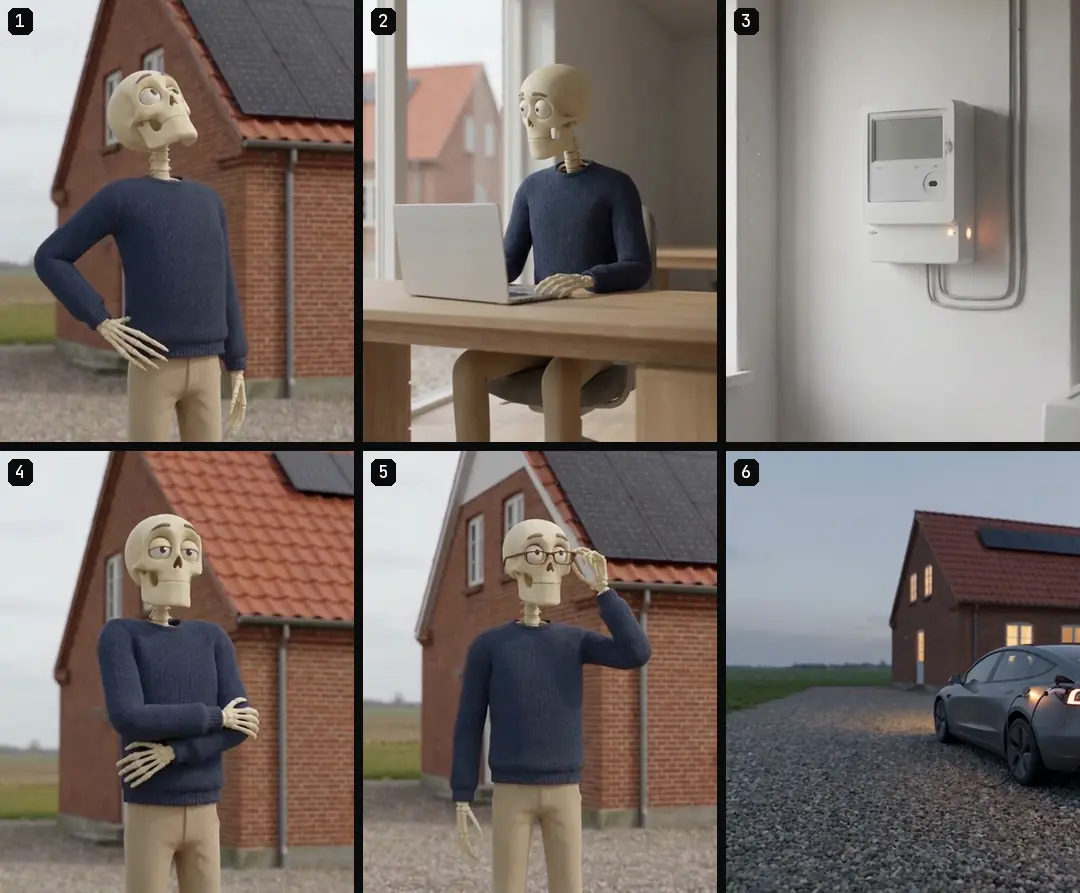
Record continuity anchors between shots
Name the character, clothes, product version, props, light direction and relevant screen position. Only record details that help the sequence remain coherent. A second angle should carry the same object, not an improvised substitute with similar colors.
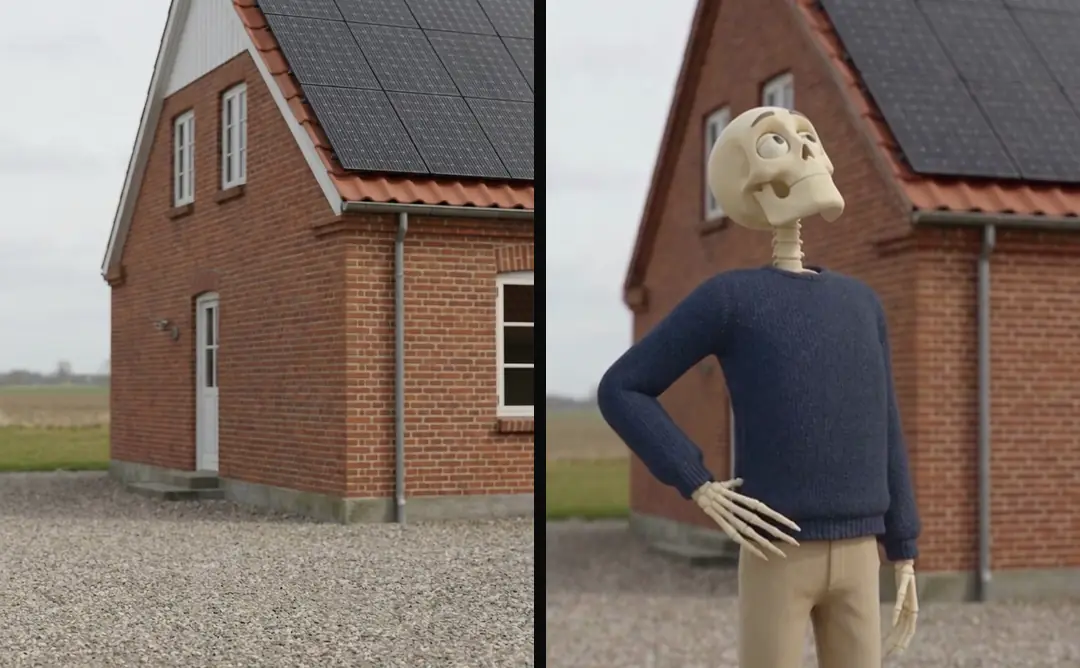
In our October 2026 production, canonical character and style descriptions protect the look across shots. Keep a reference ID in each storyboard row. If the next shot changes location or time, show how that change will be understood. An unexplained jump can appear to be an AI continuity error even when it was intentional. The storyboard is the place to decide the transition’s meaning before rendering.
- 01Map spoken beatsName visible jobs
- 02Choose source referencesRecord continuity anchors
- 03Check against audioFind coverage gaps
- 04Approve shot planAssign unresolved evidence
Compare the board with the spoken track
Use the approved audio when available. If only a script exists, treat timing as provisional and replace it with actual word timing later. A shot needs enough source material to cover its beat without an unintended frozen hold or excessive stretch.
Our October 2026 retiming method maps visuals to the voice rather than rebuilding every clip after a voice change. The storyboard can expose a short source interval before assembly. Do not solve every gap with a new transition. Extend a useful neighboring shot, choose a better library clip or revise the shot plan. The communication job determines which solution preserves meaning.
Identify layers that must survive the edit
List readable labels, captions, graphic panels and source notes as layers with their own timing. A storyboard image that contains a label does not establish whether the final renderer will preserve it. Keep controlled text in an editable source when possible.
For an illustrative before-and-after sequence, Edit before-and-after footage with honest continuity explains continuity and evidence conditions. Mark whether the board shows real comparison footage or a staged illustration. If a label qualifies a claim, plan its visibility with the claim instead of leaving it for a final card. Spoken scripts vs captions: keep two text tracks covers the difference between spoken wording and caption text, which the board should keep synchronized in meaning.
- Storyboard fieldSpoken beatProduction purposeEstablish timing and meaning
- Storyboard fieldVisible jobProduction purposeExplain why the shot exists
- Storyboard fieldReference IDProduction purposePreserve character and product
- Storyboard fieldLayer listProduction purposeRetain controlled text
Reject transitions that require impossible coverage
Some boards look convincing as stills but require a product to change shape, a character to move through a wall or a camera to reveal an unseen area. Identify those transitions before generation. Break the idea into separate shots or collect an additional reference.
In our production in October 2026, one action and one simple camera move keep motion requests inspectable. That is a working method, not a universal model limit. A clean cut can carry a thought more clearly than a complicated continuous transformation. The storyboard should specify why continuity is required and where a deliberate cut is acceptable, rather than forcing every frame into one uninterrupted movement.
Approve the board with its unresolved gaps
Review message, evidence, continuity and timing separately. A storyboard can be ready for production while one nonessential visual choice remains open; a missing factual demonstration is a different kind of gap. Name the owner and consequence for every unresolved item.
Turntake’s production approach describes Turntake’s production approach. The board is a production plan, not a completed asset or a claim that the planned model connection already generates the sequence.
For handoff, provide the beat table, reference images, available source IDs, required layers and missing-shot list. Include one sentence explaining the role of each visual. A worker can then produce the right ingredient without inventing the wider story. After motion returns, compare it with the board and revise the board only through an explicit decision, preserving the difference between planned intent and actual delivered footage.
Test an edit before producing motion
Arrange the approved stills against the voice as a rough timing exercise. The purpose is to inspect meaning and coverage, not to pretend the still sequence is a final ad. Look for a mechanism named before it is shown, a label with too little reading time or two consecutive shots doing the same job. Repair the board at that stage. A small change in shot order can prevent a much larger revision after motion and captions are built.
Who wrote this We made the ads first, for SmartSolar in Denmark, Sweden and Ireland. Then we built Turntake. Where Turntake comes from
FAQ
How should I storyboard an AI video ad?
Storyboard an AI video ad by mapping each spoken beat to a visible job, a specific shot and a continuity requirement. Use approved voice timing to test whether the sequence can be edited. Mark missing evidence, difficult transitions and text layers before generation, then approve the storyboard as a production plan rather than proof of a finished ad.
How do I give each beat a visible job?
For every beat, record the spoken line, intended viewer understanding, shot subject and action. A hypothetical product script might introduce a crowded bench, show a divider moving and end with the real next action. Each picture then has a reason to appear at that moment.
How do I record continuity anchors between shots?
Name the character, clothes, product version, props, light direction and relevant screen position. Only record details that help the sequence remain coherent. A second angle should carry the same object, not an improvised substitute with similar colors.
How do I compare the board with the spoken track?
Use the approved audio when available. If only a script exists, treat timing as provisional and replace it with actual word timing later. A shot needs enough source material to cover its beat without an unintended frozen hold or excessive stretch.