ModelsGuide
AI video start and end frames: plan the shot
Short answer
Start and end frames describe where a shot begins and finishes; they do not prove that the motion between them will work. Check support in the selected model version, keep identity and geometry compatible, and inspect the full interval. If the transition changes too much, use separately approved shots and a cut.
Two convincing endpoint images can conceal an impossible journey between them. Before requesting motion, decide what changes, what remains fixed, and whether the action belongs in one continuous shot. Review the middle as carefully as the endpoints; when the scene changes fundamentally, a planned cut may communicate the idea more clearly. Place endpoint controls within the wider model selection guide, then review the movement between the approved images.
Check endpoint support before storyboarding around it
Google’s Google: Veo 3.1 API guide documents frame-specific generation for Veo 3.1. MiniMax’s MiniMax: image-to-video task describes its image-to-video starting-image route and links to a separate start/end route. Those are distinct documented controls, not a reason to assume every model accepts a last image.
Record the exact model and interface supporting your intended request. If the available route accepts only a first frame, a desired last frame in the prompt is a description rather than the same kind of input constraint. Make that difference clear in the test plan so the reviewer understands what the request actually supplied.
Define the change between the two frames
Write one sentence stating what changes: the lid opens, the camera moves closer, or the light shifts. Then list what must stay fixed. This separates the action from identity, material, and setting.
For a hypothetical container demonstration, the same object could begin closed and finish open on the same table. Changing its color, location, and camera angle at the same time adds several possible sources of drift. An endpoint pair should express a plausible action, not a before-and-after montage compressed into one continuous generation.
| Relationship | Proposed decision |
|---|---|
| Same object, one state change | Test a continuous action |
| Same scene, modest camera move | Check geometry throughout |
| Different person or wardrobe | Treat as a separate story decision |
| Different location and action | Consider separately approved shots |
Source: suggested production checklist, October 2026.
Match identity and geometry deliberately
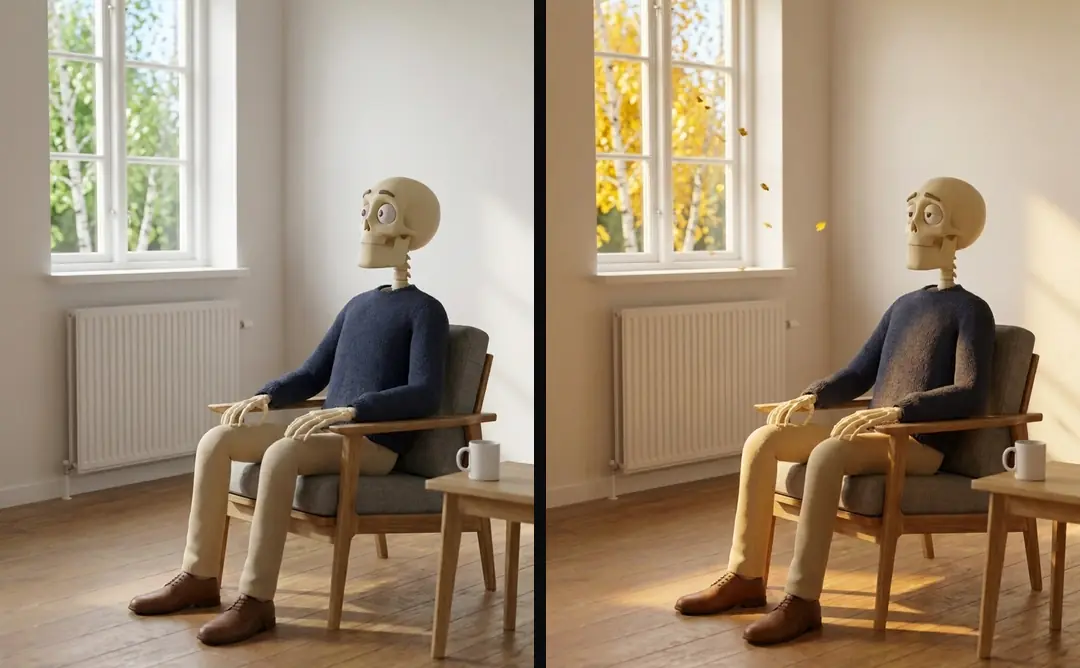
Compare the frames side by side. Check object dimensions, visible edges, clothing, hand positions, and background landmarks. A mismatch can be hard to notice when each still is judged alone, especially if both look individually attractive.
In our production in October 2026, a canonical character and style block stays unchanged across related shots. Apply the same discipline to endpoint preparation. If the end frame was recreated from a recreation, compare it again with the original anchor. Why AI video text breaks and how to keep it legible covers clean text surfaces; an endpoint should not quietly change essential lettering.
A hypothetical drawer shot, closed at the start and open at the end, defines a simple change, but neither endpoint proves the path is usable. Keep the handle, cabinet edges, and camera relationship consistent while asking for the opening action. Then inspect intermediate frames for collisions or changing geometry. If the intended end also requires a different room or camera side, separate those ideas with a cut instead of demanding one unexplained continuous movement.
Inspect the middle, not only the endpoints
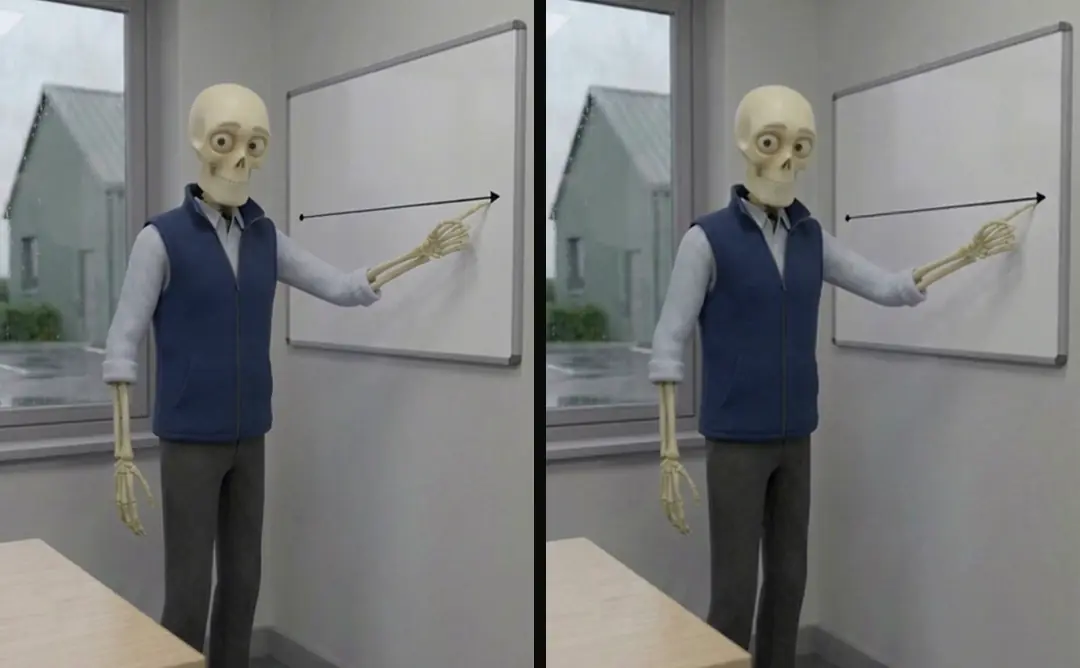
Review frames from the intended usable interval and play the entire shot. Look for shape changes while a hand covers the object, unexplained camera acceleration, and a final frame that snaps into place after an implausible transition.
The midpoint deserves a specific question: does the action still look like the same physical event? A closed lid and an open lid can both be correct while the hinge dissolves between them. If the ad’s claim depends on that mechanism, the transition is part of the evidence and cannot be accepted solely because the endpoints match.
Separate appearance problems from motion problems
If the first frame is already wrong, revise the reference. If the start matches but the object changes during movement, simplify the action or camera. If the final composition is wrong but the intermediate action is useful, decide whether a shorter interval serves the edit honestly.
Keep the diagnosis tied to the observed time. “Handle changes shape while opening” suggests a different next step from “the last image has the wrong jacket.” Altering both references and motion instructions at once makes it difficult to learn from the test. Preserve the prior candidate when preparing the revision.
- 01Confirm supported inputsExact model and route
- 02Define one changeLock everything else
- 03Compare endpoint appearanceIdentity and geometry
- 04Inspect the complete actionAccept or choose a cut
Use a cut when the story changes place
In our production in October 2026, attempts to change location inside one generation could also change a character’s face. Our method separates the locations into runs with their own approved frames. That is a dated observation from our workflow, not a universal limitation of all video models.
A cut can be the correct storytelling device. Establish the kitchen in one shot and the garden in another. Keep continuity through the character reference, wardrobe, and action relationship rather than demanding an uninterrupted transition. The editor can then control pace and use only the intervals that passed review.
- Continuous transitionOne compatible actionCut between approved shotsA change of place or setup
- Continuous transitionInspect all intervening framesCut between approved shotsInspect both shots and their join
- Continuous transitionEndpoint inputs constrain a pathCut between approved shotsEditing controls the transition
Plan sound and captions around the accepted interval
Endpoint control should not determine the spoken sentence by accident. Approve the voice separately and decide where the action fits within it. A transition that needs longer than the current phrase may require a revised cut or a simpler shot.
AI video hands: inspect the action before motion covers inspection of hand-object action, and Set a voiceover word budget before the video cut covers the word budget that must fit the shot. If a generation includes sound, decide whether it belongs in the edit before mixing. Do not keep an unapproved spoken fragment simply because the visual endpoint works. The visual action and the authoritative voice remain separate approvals until the combined cut is reviewed.
Preserve both constraints and the selected result
Save the initial image, intended end image, exact request settings, returned source, and selected interval. Label a last image as a supplied endpoint only when it truly was supplied through a supported input. Otherwise label it as a visual target.
Turntake’s models plan describes the planned Turntake model connection as Coming. The useful outcome here is a traceable shot decision: a continuous action that passed inspection, or a cut between separate approved shots. The article does not promise automatic endpoint checking or claim that a neat pair of stills validates the moving frames between them.
Who wrote this We made the ads first, for SmartSolar in Denmark, Sweden and Ireland. Then we built Turntake. Where Turntake comes from
FAQ
Do all video models accept a last frame?
No. Check the exact model and interface documentation before planning around that control. A desired ending described in text is not necessarily equivalent to a supported last-image input. Record what the request actually supplied for later review.
What makes endpoints compatible?
Keep the same identity, object geometry, material, and setting unless an intentional story change requires otherwise. Define one visible change between frames. Side-by-side review can reveal mismatches that are easy to miss when judging each image separately.
Can matching endpoints still produce a bad shot?
Yes. The motion between them may distort the object, change the person, or snap into the final composition. Inspect the complete usable interval, including the middle. Product evidence depends on the visible action, not just its opening and closing stills.
When should I use a cut instead?
Use separate approved shots when the story changes place or several visual properties change at once. Continuity can come from stable references and a clear action relationship. A continuous generated transition is not required merely because both endpoint images exist.
Sources
- Google: Veo 3.1 API guide checked 11 October 2026
- MiniMax: image-to-video task checked 11 October 2026
Model facts come from each maker’s own documentation, checked on the date shown. Models change, so read the source again before you plan a batch.