ModelsModel guide
Kling for ads: a shot test based on its docs
Short answer
Use Kling’s documented input modes to design a bounded shot test, then judge the result against the ad’s visual requirement. An approved image is useful when appearance must be inspected before motion. This guide proposes a reference-led test; it does not report firsthand Kling output or rank it against other models.
Choosing Kling before defining the shot leaves the input decision unresolved. Decide whether appearance should come from a reference image or be explored through text, then write a concrete acceptance sheet. This guide applies readable official input descriptions to a proposed workflow; it does not claim that our team tested or approved a Kling output. The wider model selection guide separates the jobs of stills, motion and voice before a shot-specific test.
Begin with the documented input distinction
Kling’s Kling: video input overview describes creating video from text or a reference image. Its Kling: image-to-video overview describes the image-to-video route. Those pages support the input distinction used here. They do not establish that a specific API version accepts every setting shown elsewhere in the product.
This guide focuses on documented text and image input modes. For endpoint parameters, duration limits, and resolution combinations, use the request documentation for the exact model and interface you select. Check the exact model and interface available in your own account before writing a technical request. Record the version you actually select with the test.
Choose image input for an appearance-led test
When the ad depends on a particular silhouette, material, or composition, approve that appearance as a still first. An image-led test gives the reviewer something concrete to compare with the motion output. It does not remove the need to inspect the returned frames.
For a hypothetical desk-product shot, the reference might show a closed object on a plain table, with space above for captions. A proposed prompt is: Static desk scene, a closed matte storage box on the table. Slow push toward the box. Keep its silhouette and blank label area unchanged. The test question is whether that move preserves the approved appearance. Do not begin with a complete product demonstration that combines opening, rotation, hand contact, and a camera orbit.
| Test dimension | Proposed acceptance question |
|---|---|
| Shape | Does the object retain its approved silhouette? |
| Material | Does the surface still look like the reference? |
| Framing | Is the caption area available throughout? |
| Motion | Does the requested movement support the shot’s purpose? |
Source: suggested production checklist, October 2026.
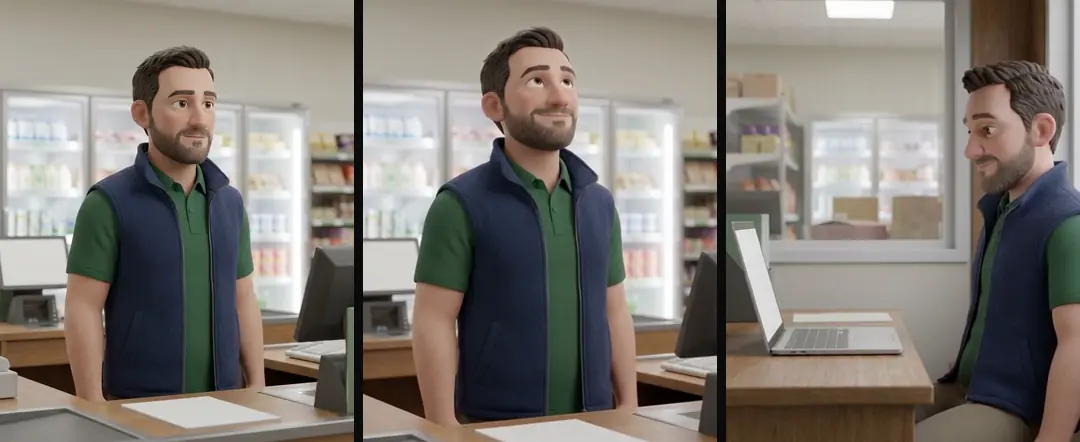
Give text input a different question
A text-led test can explore whether a scene concept is worth developing before locking a still. Write the subject, setting, action, and camera relationship in visible terms. Do not ask a broad prompt to settle brand appearance, product truth, and editorial rhythm at once.
Judge a concept candidate as a concept. If the material or product detail is wrong, it may still clarify composition, but it is not approved evidence of the real object. Keep that distinction in the review label. The next step could be a corrected reference still or filmed footage rather than another motion request.
A hypothetical lunchbox has fixed appearance requirements, so a reference-led request addresses a different task from exploring an unresolved object through text. Use the documented input mode in the selected Kling interface, then compare the candidate against the approved lid and latch relationship. This is a suggested brief and review question. It does not show a Kling output, establish endpoint settings, or report that the model passed the requirement.
Write the shot contract before generation
Describe the intended camera movement, the single action, and the details that must remain fixed. Our production in October 2026 uses one simple move and one action for image-to-video prompts. Applying that rule to a Kling test is a recommendation, not a reported Kling finding.
Set a useful stopping point: accept if the reference survives the intended usable interval, revise the still if appearance is wrong at the start, or choose another shot if the action cannot be represented honestly. The contract prevents a visually attractive result from winning approval simply because it is more elaborate than requested.
Compare the output with the reference
Use the first, middle, and last usable frames alongside the approved image, then play the interval at normal speed. Stills show geometry drift; playback reveals abrupt changes and motion that distracts from the sentence. Keep both forms of evidence.
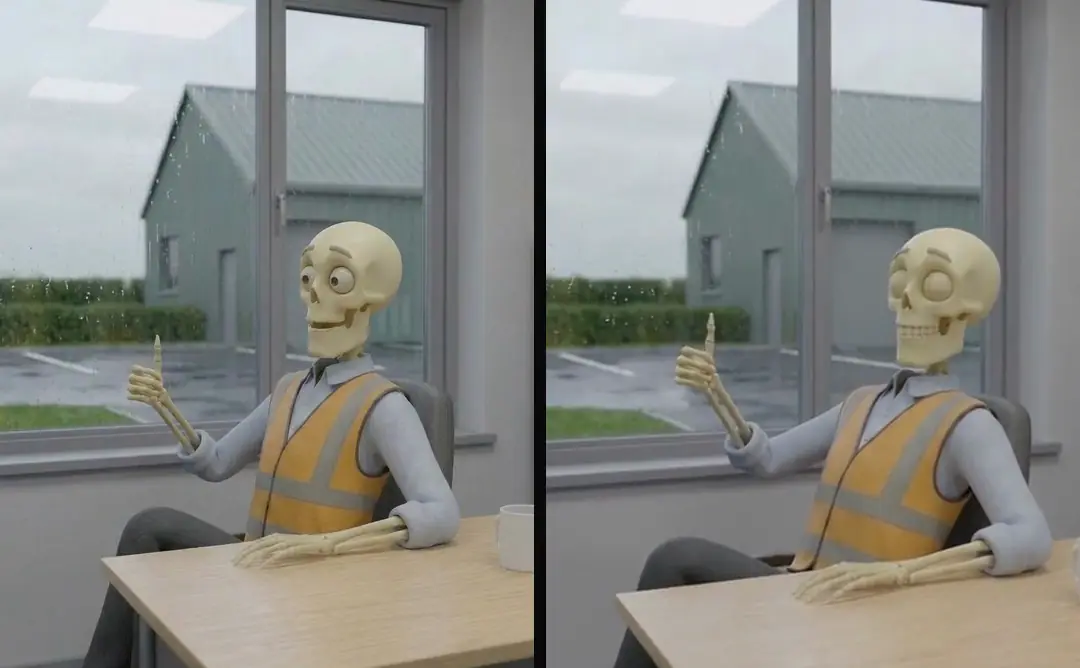
Look closely at object edges and contact points. A moving shadow can be appropriate while a changing hinge is not. If the shot includes a person, check wardrobe and hands independently of the face. Store a review note at the exact interval where the failure appears. “Shape changes when the camera turns” is an actionable observation.
- 01Select the input routeText concept or approved image
- 02Write a shot contractFixed appearance and action
- 03Compare returned framesFirst, middle, last
- 04Save the usable intervalReference and review note
Keep audio outside the visual acceptance decision
Decide before the test whether the shot will be silent under an approved narrator. Do not let incidental generated sound replace the approved product explanation. A useful visual test can be evaluated with its sound muted when sound is not part of the shot contract.
If the project requires visible speech, establish a separate voice and mouth-synchronization test. Lip-sync for dubbed ads: when the mouth must match explains why dubbing, revoicing, and regenerating are different production decisions. Product claims still need approved evidence regardless of how convincing a speaking character looks. A fictional narrator should not become a supposed real testimonial by accident.
- Concept-led inputExplore a scene from textAppearance-led inputPreserve an approved composition
- Concept-led inputReview the idea firstAppearance-led inputCompare against the reference
- Concept-led inputBuild a still if neededAppearance-led inputInspect continuity during motion
Compare routes using the same requirement
A comparison with Veo for ads: plan shots and generated sound or Hailuo for ads: image-to-video shot planning should preserve the object, intended action, usable interval, and inspection criteria. Different interfaces may require different request syntax, so equality means the same production question, not identical parameter names.
Record a failure narrowly: model identifier, interface, date, input, and observed interval. One rejected output cannot establish that a model never handles a category. Likewise, one accepted push-in cannot justify a recommendation for every kind of ad. The useful result is a tested shot choice for a particular requirement.
Turn the accepted interval into an editable asset
Preserve the reference, written contract, generated source, selected in and out points, and review result. If only part of the clip is usable, record that interval explicitly. Do not leave the editor to rediscover which moment kept the object intact.
Turntake’s models plan marks the planned Turntake model connection as Coming. This article supplies a proposed inspection method based on readable official input descriptions. It makes no claim of automated Kling testing, self-service generation inside Turntake, or firsthand comparative results. The output of the test should be a reviewable asset and a bounded conclusion.
Who wrote this We made the ads first, for SmartSolar in Denmark, Sweden and Ireland. Then we built Turntake. Where Turntake comes from
FAQ
Has Turntake tested Kling for this article?
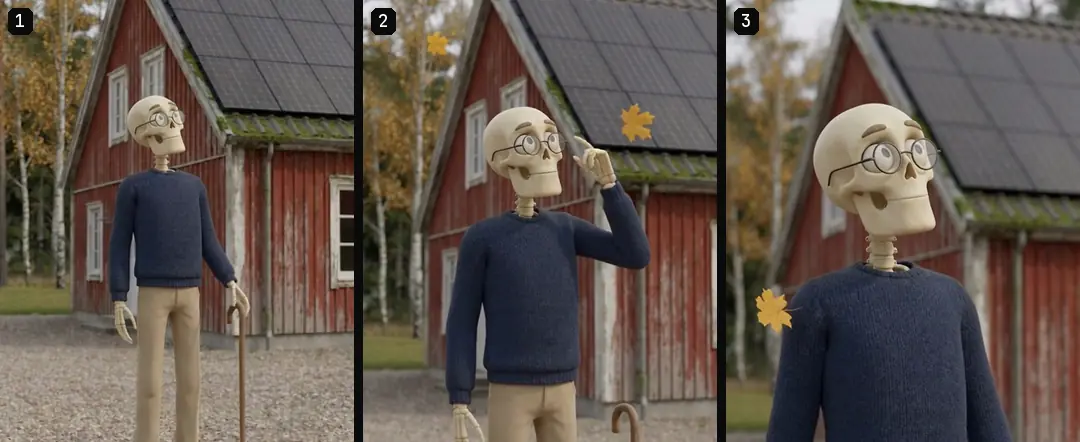
This article does not report a documented firsthand Kling test. It proposes an inspection method using official descriptions of text and image inputs. The illustrated skeleton sequence comes from our library and is not presented as Kling output.
When should I start with a reference image?
Use an approved image when appearance, product geometry, or composition must be inspected before motion. Compare returned frames against that reference. An image-led request gives the test a concrete target, but does not prove the result will preserve every detail.
Which settings should I check before a request?
Check the exact model identifier, input mode, duration, resolution, and relevant motion controls in that interface’s request documentation. Product-page descriptions explain the input concept but should not be treated as a complete list of endpoint settings.
What makes a useful Kling shot test?
Write one visual requirement, one movement, one action, and explicit acceptance questions. Preserve the reference and review the usable interval. The result should answer whether that shot fits that edit, rather than declare a universal model winner.
Sources
- Kling: video input overview checked 11 October 2026
- Kling: image-to-video overview checked 11 October 2026
Model facts come from each maker’s own documentation, checked on the date shown. Models change, so read the source again before you plan a batch.