ModelsModel guide
Hailuo for ads: image-to-video shot planning
Short answer
For a Hailuo ad-shot test, select the exact MiniMax model, confirm its image and camera controls, and approve the starting frame. Use one movement to answer one visual question, then inspect geometry and the usable interval. This is a documentation-led plan, not firsthand Hailuo testing or a model ranking.
A Hailuo shot brief is incomplete until it names the input route and the action to inspect. Use the selected endpoint’s documentation to plan the image, camera direction, and prompt behavior. This proposed evaluation method separates documented controls from visual acceptance; it does not report a firsthand Hailuo production test. Use the model selection guide to compare production roles before committing this shot to a particular route.
Select a documented model identifier
MiniMax’s MiniMax: image-to-video task lists model identifiers for its image-to-video endpoint, including MiniMax-Hailuo-2.3 and other variants. Its MiniMax: video generation guide covers the broader video offering. A general overview can describe newer families while the endpoint retains specific supported identifiers; use the endpoint’s model selection for the actual request.
Record the exact identifier with the test date. Do not assume a “Fast” variant, a director model, and another family share every control. Duration and resolution combinations are model-specific in the checked endpoint documentation. Verify the intended combination before production instead of treating a marketing family name as a complete technical specification.
Approve the first image as an input contract
The image-to-video endpoint documents a first-frame image input. Prepare that image in the intended composition and inspect its object, background, and material before adding motion. If the product silhouette is wrong in the first image, a smooth camera move will preserve the wrong starting decision.
For a hypothetical storage-container shot, make the lid, hinge, and handle visible at the angle the camera will use. Leave room for captions without covering the mechanism. Keep the image’s identity in the job record so a revised reference is not accidentally paired with an old review result.
| Request item | Proposed pre-submission check |
|---|---|
| Model identifier | Listed for the chosen endpoint |
| First image | Approved appearance and crop |
| Camera command | Supported by the selected model |
| Duration and resolution | Supported together for that model |
Source: MiniMax image-to-video documentation and suggested production checklist, checked October 2026.
Use camera syntax with a reason
The checked endpoint documentation describes bracketed camera commands for named models, including push, pan, and static-shot directions. Choose a command because it supports the ad beat. A push can direct attention to an object; a pan can reveal context; a static frame can preserve a readable arrangement.
Do not combine several movements merely because the syntax permits combinations. A first test should isolate the relationship between the reference and one intended movement. State which object must remain rigid and what subtle action may occur. This is our proposed test design, not evidence that a particular command always yields the intended result.
A hypothetical planter is a proposed image-led evaluation subject with easy geometry to inspect: one pot, a visible rim, and one seedling. Check the selected Hailuo endpoint before relying on a particular control, then keep the motion request narrow enough to review. This describes an input and acceptance decision, not a generated result. A candidate would still need inspection through its full usable interval before entering an edit.
Decide what prompt optimization may change
MiniMax’s endpoint documents a prompt-optimizer setting. Check its default and record the choice you use. When comparing outputs, a changed optimization setting may change more than the visible wording of your submitted prompt.
For a controlled camera test, preserve the model identifier, image, prompt, and relevant settings in the record. If you later alter the movement or optimization behavior, label that as a new candidate. Otherwise a reviewer may attribute an improvement to the reference image when several request details changed at the same time. Keep the experiment inspectable.
Inspect geometry through the whole interval
Put the starting reference beside returned frames from the beginning, middle, and end. Check the object’s edges, contact with the surface, and proportions. The question is whether the usable shot preserves the approved appearance while performing its narrow action.
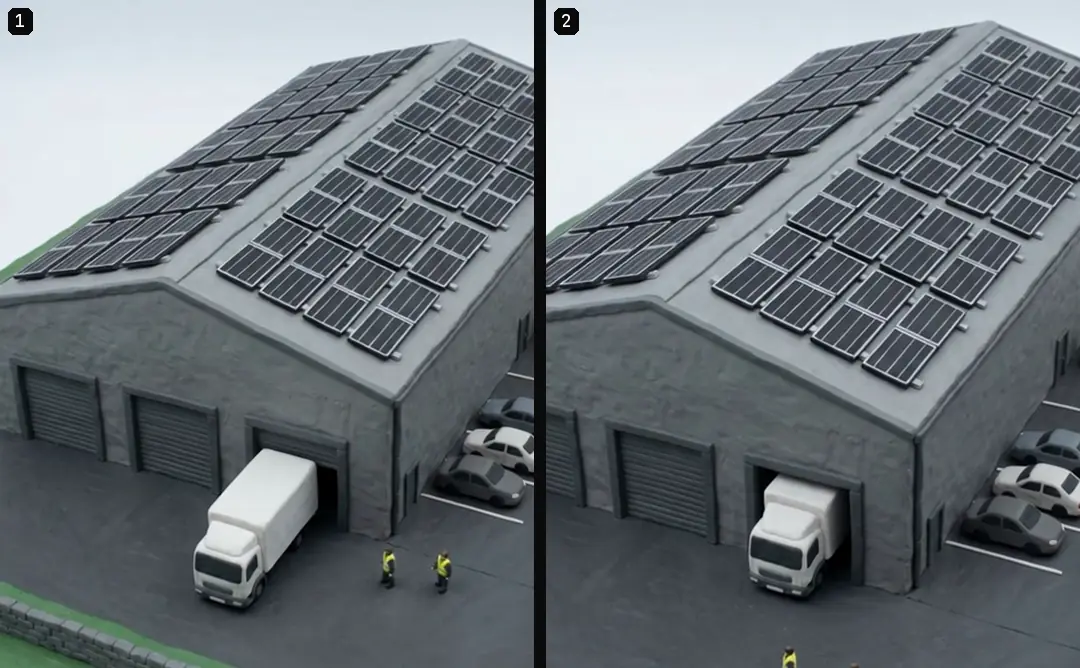
Then play it at normal speed. A hinge that changes shape for only a few frames may be easy to miss in a contact sheet. A hand that passes behind an object can reveal a discontinuity when it reappears. Mark the first and last affected times rather than rejecting the file with a vague label such as “looks generated.”
- 01Select the model IDCheck the endpoint
- 02Approve the first imageAppearance and crop
- 03Choose one camera commandRecord relevant settings
- 04Review geometry in motionSave only an honest usable interval
Keep the usable interval honest
Trimming can remove an irrelevant lead-in or a broken tail, but it should not manufacture product evidence. If the visible action fails precisely where the mechanism should work, cutting around that failure does not show that the mechanism works correctly.
Use a different angle or real footage when the claim depends on the missing action. For illustrative scene-setting, a short stable interval may be entirely suitable. Write the role on the asset: atmosphere, explanation, or demonstration. That label helps an editor avoid using a pretty setting shot as proof of a capability it never showed.
- Family-level assumptionEvery model has the same controlsVersion-specific recordCheck the selected endpoint entry
- Family-level assumptionA static first frame is enoughVersion-specific recordInspect the full moving interval
- Family-level assumptionA trimmed failure proves the productVersion-specific recordKeep demonstration evidence explicit
Preserve task state and review scope
The endpoint returns a task identifier, which belongs in the production record. Our production in October 2026 treats submitted jobs as persistent remote tasks: check their status before retrying an interrupted client call. That is general job discipline, not a Hailuo performance claim.
Keep the returned source and selected interval together with the reference and review. If a later MiniMax model replaces the one tested, the older accepted shot remains an asset, while the new model needs its own test. A version change should not rewrite the historical record of what was actually inspected.
Choose the next production step
Compare this route with Lip-sync for dubbed ads: when the mouth must match and AI video start and end frames: plan the shot when planning the audio route and the endpoint constraints. If lettering is essential, Why AI video text breaks and how to keep it legible treats text layers as a separate decision. A camera-control test alone does not establish voice quality, pronunciation, or mouth synchronization.
Turntake’s models plan identifies our planned model connection as Coming. This page contributes a documented input checklist and a proposed camera-led review method. It does not report firsthand Hailuo results, promise a model winner, or describe an automatic generation-and-approval feature available in Turntake today.
Who wrote this We made the ads first, for SmartSolar in Denmark, Sweden and Ireland. Then we built Turntake. Where Turntake comes from
FAQ
Which Hailuo version should I record?
Record the exact model identifier selected in the request, along with the endpoint and date. A family name alone is insufficient. The supported inputs, camera commands, and duration-resolution combinations may differ between variants listed in the documentation.
Are bracketed camera commands supported everywhere?
Check the selected model in MiniMax’s endpoint documentation. The checked page names models that accept the command syntax. Do not transfer that support automatically to every MiniMax release or another provider’s interface with a similar product name.
Are the images Hailuo output?
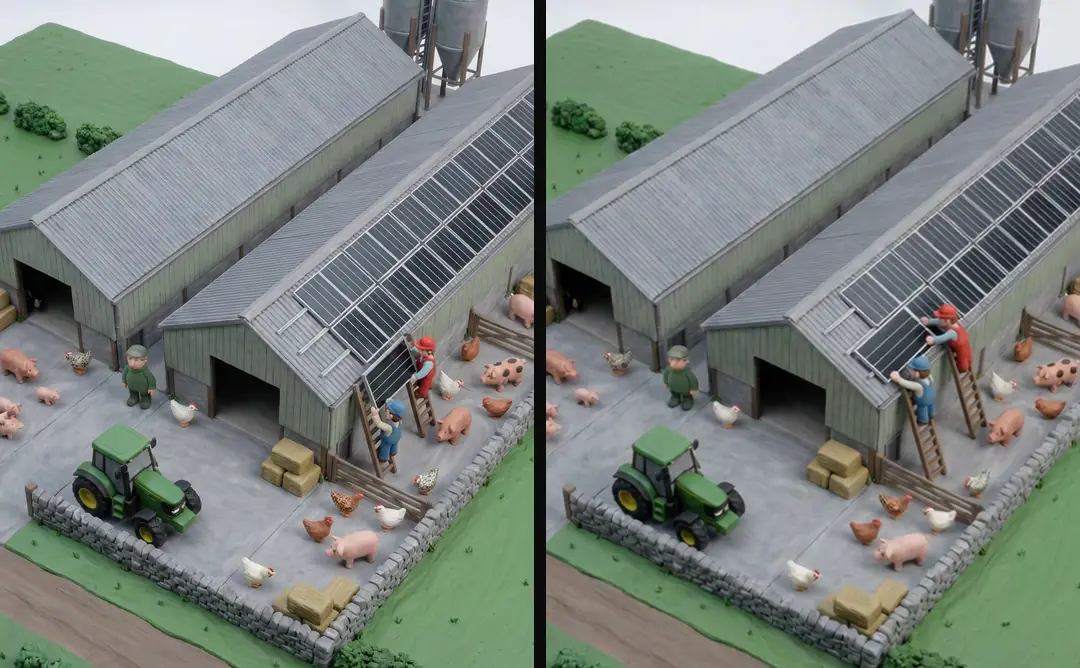
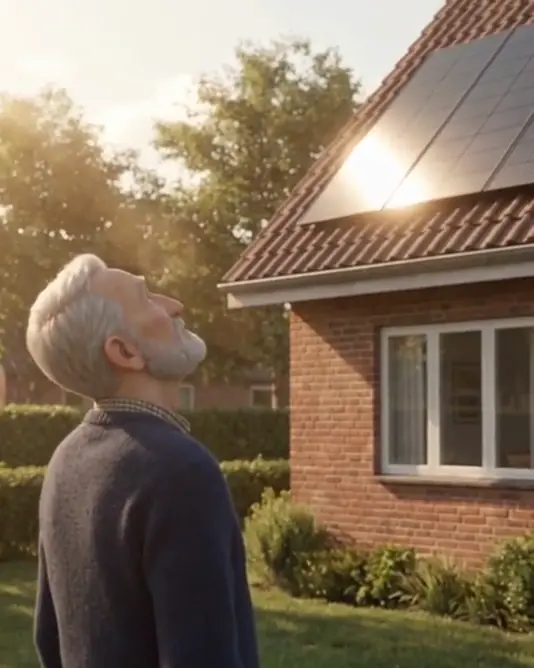
No. They are clay and 3D shots from our own library, used to illustrate the reference-to-motion method. This article proposes a documentation-led Hailuo test and does not report firsthand output. Your own acceptance result needs its own returned media and review record.
Can I trim away a broken product action?
Trim irrelevant lead-ins or tails, but do not use a cut to imply an unshown mechanism works. If product evidence depends on the failed action, choose another shot or real footage. Keep the asset’s intended role explicit in the edit.
Sources
- MiniMax: image-to-video task checked 11 October 2026
- MiniMax: video generation guide checked 11 October 2026
Model facts come from each maker’s own documentation, checked on the date shown. Models change, so read the source again before you plan a batch.