ModelsGuide
Why AI video text breaks and how to keep it legible
Short answer
Keep essential words and numbers in a separate text layer rather than depending on moving generated lettering. Approve clean surfaces in the source frame, add accurate overlays after motion, and review them at phone size. Short still text can be tested, but readable endpoints do not prove the moving text stays correct.
A garbled product label can change the meaning of an otherwise convincing shot. Decide which words must be exact before generating the scene, and give those words an editable treatment when appropriate. Inspect signs, screens, numbers, and moving labels separately from the surrounding picture so visual approval does not conceal a text error.
Classify the text before making the shot
Separate decorative marks from words the viewer must read. A background book spine may be irrelevant to the explanation; a product name, amount, or button label is not. Mark essential text in the brief and state its approved wording.
Ask whether the text needs to move with an object, sit in the frame, or appear as a caption. Those are different layers. A label attached to a turning package needs tracking and perspective work. A sentence explaining the scene can remain a readable graphic. Do not make a physical sign carry a long paragraph merely because it fits the concept.
Start from genuinely clean surfaces
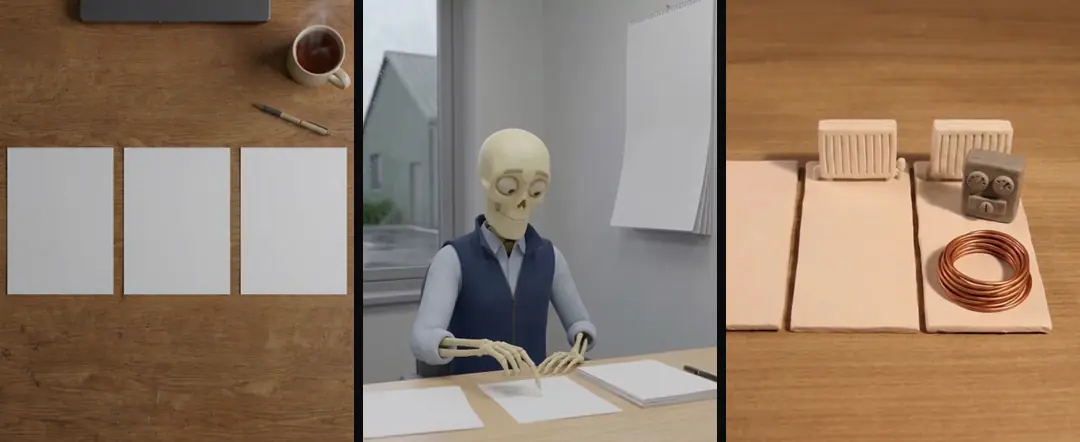
In our production in October 2026, prompts for generated paper and screens explicitly call for blank surfaces. The instruction names what the object should be rather than relying on a vague request for less text. The source still is inspected before motion.
Look for faint pseudo-lettering as well as obvious words. A supposedly blank page with small marks can become more visible after zooming or color adjustment. Review the final intended crop. If the surface is not clean, revise the still before adding motion rather than planning to cover every changing mark with a patch later.
| Text role | Suggested production route |
|---|---|
| Essential claim | Approved separate text layer |
| Real interface | Film or capture the actual approved screen |
| Short decorative word | Test the still and the full moving interval |
| Unneeded surface lettering | Use a clean blank source |
Source: suggested production checklist, October 2026.
Treat short still text as a candidate
Our documented experience includes individual short words that survived a carefully specified still. That observation does not establish reliable moving sentences. If you test a word, spell it explicitly and inspect every visible letter in the returned still.
Then review the motion. A correct first frame can drift into altered letters when the camera moves or the surface turns. Reject essential text that changes during its visible interval. seedance vs kling vs veo discusses the wider model routes, but this approval belongs to the particular shot rather than a general model reputation.
A hypothetical thermostat shot contains a number the viewer must read, so its treatment should be chosen before generating the surrounding scene. An editable overlay lets the editor preserve the approved setting while the footage establishes context. Review the number and unit through the shot, including movement and transitions. A convincing room cannot compensate for a changing digit, and a corrected caption does not automatically repair contradictory text inside the picture.
Use real screens for real actions
A generated screen that resembles a form is not the actual form. In our production in October 2026, important interface actions use real screens or recordings. The pictured action should show what the viewer is actually being asked to do.
Use an approved sample account or clean demonstration data for recording. Check the screen for names, messages, and unrelated notifications before capture. Keep the shot wide enough to establish context but close enough to read the relevant control. If the action cannot be understood at phone size, shorten the displayed task instead of shrinking all the interface text.
Add an overlay that belongs to the shot
Choose the accurate text after the underlying visual is approved. Match its position and perspective when it represents a physical label. If the camera is locked, the layer may be simple; a moving object requires a tested relationship through time.
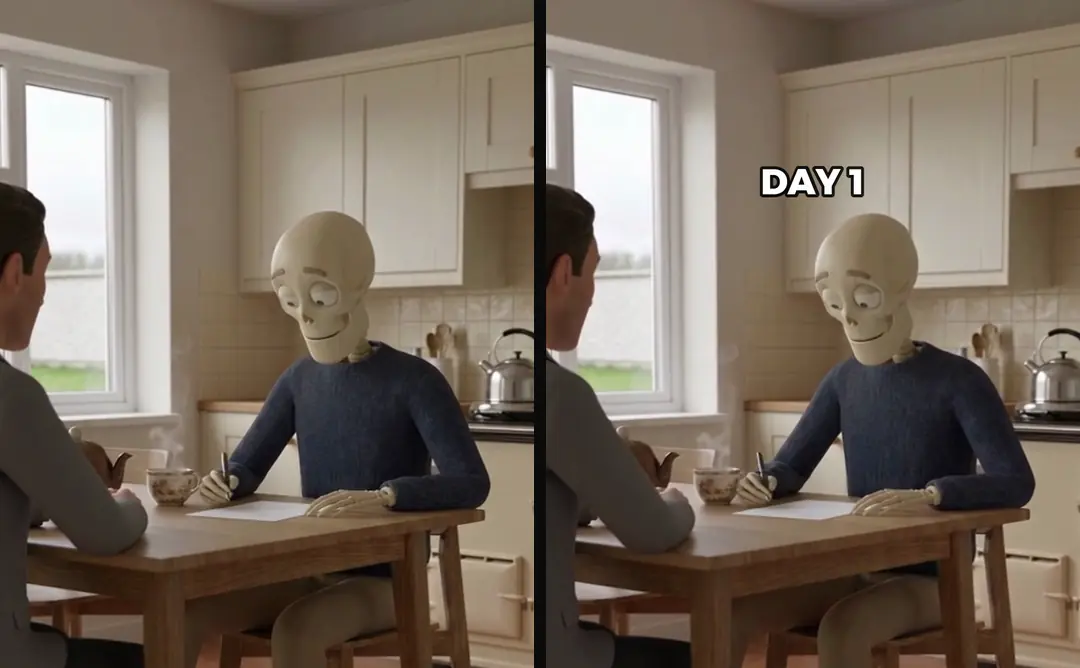
For a hypothetical kitchen-product scene, a separate label can name the shown part without pretending that text was printed on the real product. Keep that distinction visually clear. A diagram label and a package label have different meanings. The overlay should explain the evidence, not add an unsupported capability because there is empty space.
- 01Identify essential wordsLock approved wording
- 02Approve clean surfacesInspect the still
- 03Add the text layerPosition and timing
- 04Review the rendered cropMeaning and legibility
Keep overlays in the edit recipe
In our production in October 2026, each final video keeps a machine-readable recipe so later edits can retain text and graphic layers. Keeping only a flattened preview makes a small correction harder and can lead an editor to rebuild the text from memory.
Store the wording, source file, placement, timing, and any perspective transform. After a clip swap, review whether the label still points to the correct object. A text layer that was right for the previous shot can be misleading on the replacement. AI video hands: inspect the action before motion addresses another visual interaction that deserves frame-level inspection.
- Text baked into motionLetters can change during movementSeparate approved layerWording remains an explicit source
- Text baked into motionSmall revision may require regenerationSeparate approved layerEditor can revise the layer
- Text baked into motionFlattened preview hides the recipeSeparate approved layerSource and timing remain inspectable
Review legibility and meaning together
Watch at the delivery size on a phone. Check contrast, line breaks, duration, and letters near frame edges. Pause to inspect exact wording, then play at normal speed to assess reading time. A label can be technically sharp and still disappear before it can be read.
Compare the overlay with the approved voice and captions. In our production in October 2026, text layers do not introduce a new number or promise absent from the approved spoken claim. Set a voiceover word budget before the video cut and Choose an AI ad voice with a useful audition cover voice planning; their approved meaning remains a constraint on the graphic as well.
Verify the new render after every text change
Render the affected sequence and inspect the first and last visible frames of the overlay. Check for missing tails, stale spelling, and layers that vanish after a join. A correct source graphic is insufficient evidence that the final file contains it for the intended duration.
Turntake’s models plan shows the planned model connection as Coming. This article describes an editable production method, not an automatic text-repair feature. Keep clean sources and separate layers so the next take can change the shot while preserving accurate, readable words and the reasons those words were approved.
Who wrote this We made the ads first, for SmartSolar in Denmark, Sweden and Ireland. Then we built Turntake. Where Turntake comes from
FAQ
Can AI video render a short word correctly?
A short word can be tested, but inspect the exact still and the full moving interval. Our documented short-word observation does not establish reliable sentences. Essential wording should remain in a separate approved layer that the editor can preserve.
Should I generate a form or record it?
Use the real approved screen for an actual interface action. A generated imitation can show the wrong controls or misleading steps. Record clean demonstration data and check the final crop for readable controls and unintended personal information.
Why keep text outside the flattened video?
Separate text stays editable and traceable through clip swaps and revisions. Preserve wording, timing, position, and transforms in the recipe. A flattened preview alone makes small corrections harder and can hide which text source the previous version used.
What should the final text check cover?
Check exact meaning, spelling, contrast, reading time, and placement at phone size. Inspect the rendered file, including the layer’s first and last visible frames. Compare claims with the approved voice rather than treating text as harmless decoration.