The ad factoryGuide
Why AI ads feel uncanny: the details to inspect
Short answer
Inspect the specific cue that makes an AI ad feel strange: gaze, skin, gesture, voice cadence, or a mismatch between them. Review stills and playback separately, then change one cause at a time. Keep fictional spokesperson roles clear; a more plausible performance must not become a false account of personal product use.
“Looks AI” gives an editor no clear repair to make. Locate the discomfort in the still image, motion, voice, or story, then write an interval-specific note about the visible or audible mismatch. Inspect the layers separately before changing them so a new face or faster cut does not merely conceal the original problem.
Locate the first distracting cue
Watch the ad once without pausing and note the moment your attention moves from the product to the artificial performance. Then return to that interval. A character may look acceptable as a still but become distracting when its eyes, shoulders, and mouth move together. The UGC production workflow provides the wider sequence in which these visual and audio checks belong.
Write a concrete note: the gaze changes at the wrong moment, the smile stays fixed through a serious line, or the hand moves without a task. That is a repairable observation. Avoid using realism as an abstract score when the next producer cannot tell which visible behavior must change.
Inspect skin and hair at the intended size
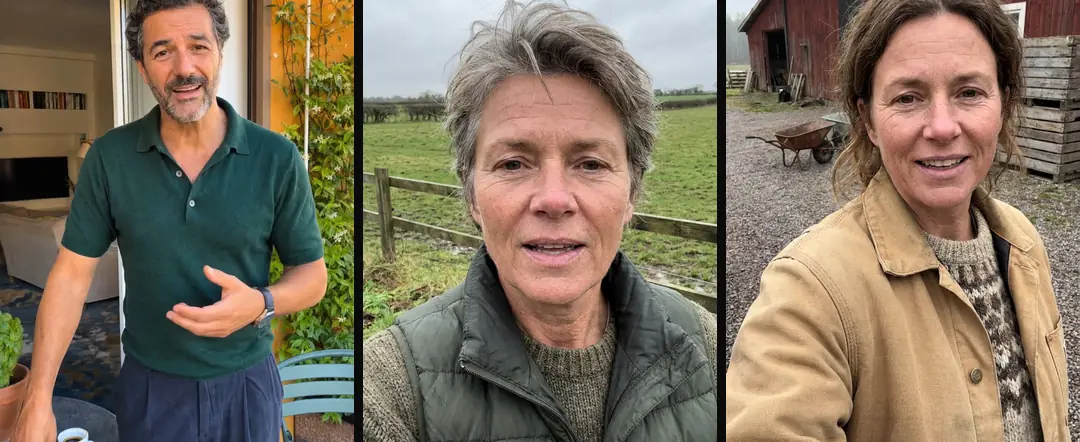
In our production in October 2026, overly smooth skin and tidied hair were recurring signs in avatar stills. Our prompts explicitly requested ordinary texture and unretouched detail. That is our production practice, not a claim about how all image models behave.
Review those details in the actual crop. A little texture can help a close view, but adding random marks does not repair an implausible face. Check lighting, expression, and the relation between face and room. The goal is a coherent fictional speaker, not a list of surface imperfections added merely to look less polished.
| Distracting cue | Suggested revision question |
|---|---|
| Fixed gaze | Where should the character be looking during this action? |
| Smooth skin | Does the still need a different texture or light? |
| Empty gesture | What task motivates the movement? |
| Voice mismatch | Does the delivery fit the pictured energy? |
Source: suggested production checklist, October 2026.
Give gestures a reason to exist
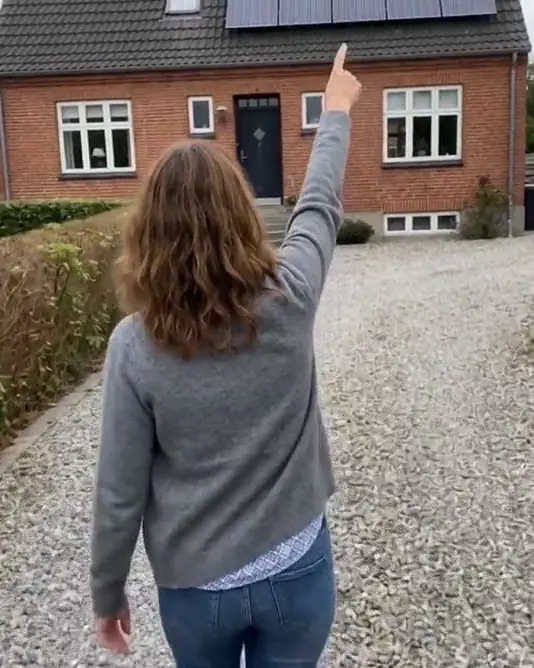
A person crossing their arms or looking out a window may add movement without helping the explanation. In our production in October 2026, we rejected passive creator b-roll that had no clear reason to be filmed or no relevant product action.
Choose a visible task instead: place the object, inspect a part, or turn toward a relevant screen. Keep it simple enough to inspect. If the gesture claims a real product interaction, use appropriate evidence. An artificial hand should not become a substitute for filmed proof of a mechanism merely because it looks more convincing after revision.
In a hypothetical watering shot, a useful note narrows a broad reaction to one visible relationship: the can changes shape at the handle during the action. That note gives the editor something to inspect and a reason to replace or simplify the interval. Changing the voice or background would address another layer. Keep the revision tied to the observed fault, then watch the complete retained action so a shorter cut does not remove its useful result.
Match gaze to the speaking role
A speaking narrator may address the camera. A silent character under narration should normally look at the task that explains the sentence. In our production in October 2026, silent laptop scenes needed explicit gaze direction to avoid a character unexpectedly looking toward the viewer.
Check the story implied by that gaze. Direct address can make the character appear to personally endorse the product. If that is not the intended role, revise the scene or the script. A small eye movement can change who seems to be speaking, even if the voice file itself stays the same.
Listen for cadence separately
Listen without the picture. Does the line connect naturally to the previous sentence? Are pauses placed where a speaker would think, or does every short fragment receive the same emphasis? In our production in October 2026, a push toward too many short fragments made scripts sound mechanical.
Rewrite the sentence flow before asking the voice to perform around it. Then watch the new audio with the existing face. A calm image paired with an emphatic delivery can feel mismatched. Localize video ads without translating the script covers language review across markets; a literal translation may also produce an awkward speaking rhythm.
- 01Mark the distracting momentWatch once without pausing
- 02Name the visible cueGaze, texture, gesture, cadence
- 03Revise one causePreserve the honest role
- 04Review the whole next takeContinuity and message
Keep the character’s identity honest
Do not attach invented personal history to a plausible face. A fictional spokesperson can explain a typical situation without claiming to have bought, tested, or used the product personally. Review first-person claims as evidence questions, not as voice-style choices.
For a hypothetical household ad, “Here is how the lid closes” can introduce an actual demonstration. “This fixed my kitchen after years of use” implies a personal result and history. Improving skin texture or mouth movement does not make that history true. Preserve the role description in the brief and in later language versions.
- Vague reactionLooks artificialActionable review noteGaze shifts away during the key line
- Vague reactionMake it more realActionable review noteReplace the unmotivated hand gesture
- Vague reactionMore enthusiasmActionable review noteMatch delivery to the pictured energy
Replace a shot when polishing cannot fix its purpose
Some scenes are wrong because their role is unclear, not because their rendering is rough. A passive face that says nothing about the product may be better replaced by an object view, a real demonstration, or an explanatory diagram.
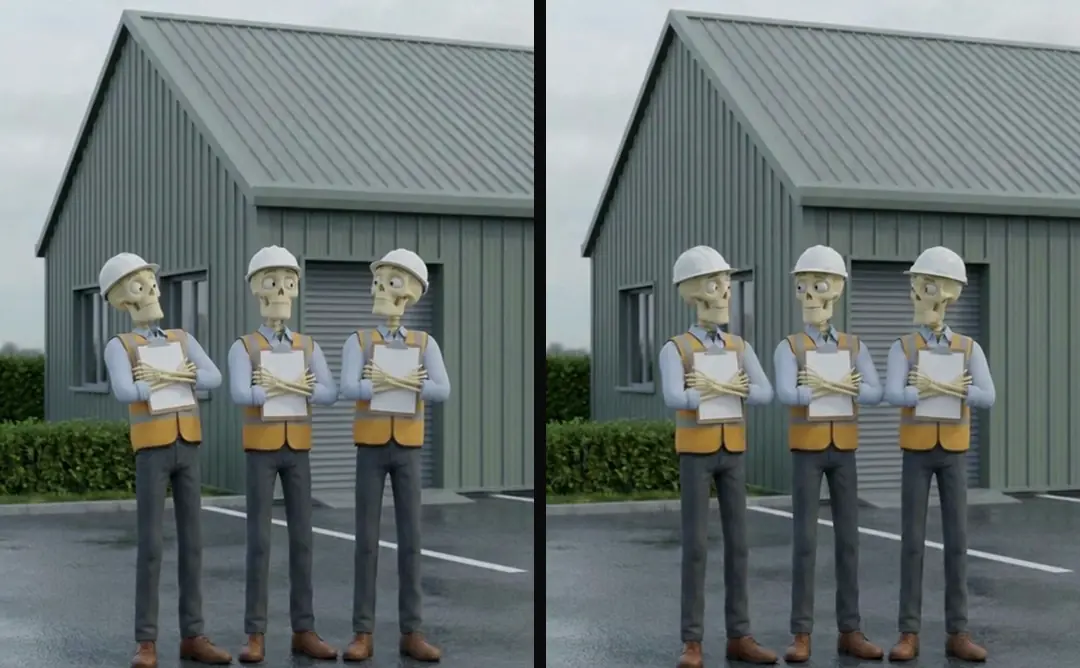
3D animation ads: build one coherent scene covers a deliberately stylized alternative. Stylization can support the story, but it is not a way to turn unsupported claims into acceptable ones. Decide what the scene must communicate, choose a visual form that fits, and inspect that form against its own rules rather than demanding photoreal behavior from every illustration.
Review the complete next take
Compare the changed interval with the previous version, then watch the whole ad. A repaired close-up can disrupt continuity with the neighboring shots. Captions for video ads: groups, timing and layout explains caption reading units; captions should not hide the very expression or product action that was just approved.
Keep notes tied to visible cues and preserve the prior take. Turntake’s production workflow describes the production approach. This checklist is a method for specific revisions, not a claim that Turntake automatically detects artificial-looking moments. The next version should make the explanation clearer while keeping the fictional character’s role and every product statement truthful.
Who wrote this We made the ads first, for SmartSolar in Denmark, Sweden and Ireland. Then we built Turntake. Where Turntake comes from
FAQ
What does uncanny mean in a review note?
Name the specific distracting cue instead of leaving the word alone. Gaze, skin, gesture, cadence, and face-voice energy suggest different repairs. Mark the interval where the cue appears so the editor can inspect and change one cause.
Should I add more imperfections to the face?
Only if the still’s texture is actually the problem. Random marks cannot repair wrong lighting, expression, or motion. Review the face at the intended crop and judge whether its details belong together in the scene.
Can a stylized character solve the problem?
A stylized character may better fit the explanation when realism is unnecessary. Review it against its own material and movement rules. It still needs an honest role and supported product statements; style does not establish personal experience.
How should I check a revised voice and face?
Listen to the voice alone, inspect the still, then watch them together. Check whether energy and pauses fit the pictured performance. Review the neighboring shots too, because a locally improved moment can create a new continuity mismatch.