ClaudeGuide
Write a Seedance prompt skill for Claude
Short answer
A Seedance prompt skill should turn an approved shot brief into a constrained motion prompt. Preserve a locked character and style block, request one camera move and one action, and list the features that must remain unchanged. Test the skill against the exact model and service version you intend to use.
Make the skill a transformation, not a slogan
A prompt skill should accept a small, inspectable shot brief and return a motion prompt plus the reference asset ID. “Make a great ad” leaves too many choices hidden inside one instruction. Expose the subject, action and camera choices so a reviewer can inspect them before a generation request is submitted.
The Claude Code skills documentation explains the written instruction mechanism. ByteDance’s Seedance page identifies a video-model family, but that page describes Seedance 1.0. Do not copy its claims into a skill targeting a later version. Put the selected model and service in the test record, and treat our method below as production guidance.
A hypothetical umbrella shot begins folded and needs to show the canopy opening. A prompt skill can preserve that starting state, reference identity and single action instead of adding a dramatic location change. The reviewer checks whether the resulting request still describes the approved job. This umbrella example is a proposed prompt contract, not a generated frame or proof of any Seedance version’s capabilities, settings or behavior through a particular provider.
Require a reference ID, shot purpose, subject, one action, camera choice and intended duration. The purpose tells the writer why the shot exists; the action tells the motion tool what changes. A shot that explains a product mechanism needs different content from a scene that merely establishes a setting.
For a hypothetical clay workshop, the subject might be a business owner beside a bench. The action is the owner turning toward a part. The camera is static. This is enough to create a clear shot request. A second action such as opening a cabinet belongs in another shot, particularly when it introduces different props or a new location.
| Check | Suggested action |
|---|---|
| Reference | Require an approved asset ID |
| Look | Copy the canonical character and style |
| Motion | Choose one move and one action |
| Version | Test the exact selected model route |
Source: Turntake editorial checklist (proposed), October 2026.
Lock the look in one canonical block
In our production in October 2026, a character block and a style block are reused without casual rewriting. A separate canonical file owns clothing, proportions, materials and the scene palette. A prompt writer copies those fixed details rather than improvising synonyms that can change the look.
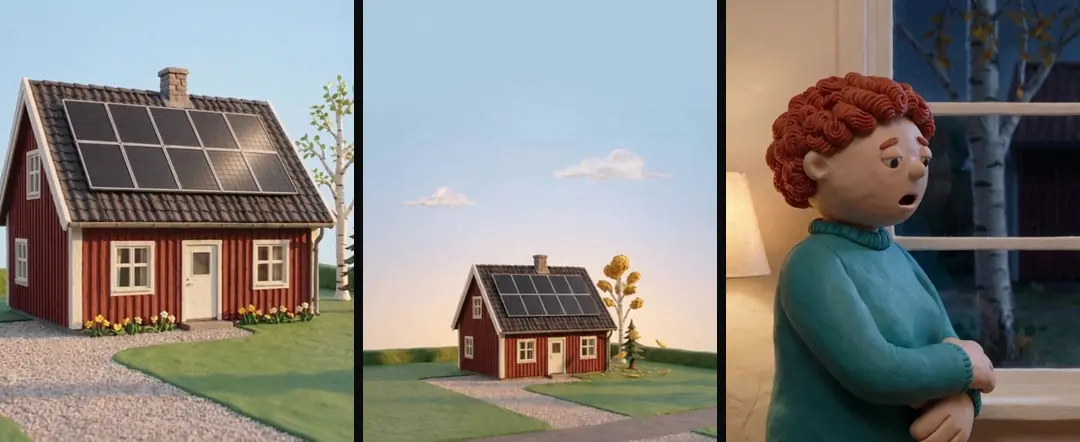
The locked block should describe visible properties, not studio names or vague quality claims. “Small clay figure, rust sweater, matte surfaces” gives the reviewer something to inspect. A term such as “premium character” does not. If the approved reference changes, update the canonical block deliberately and record which shots use the new revision. Otherwise, one batch can contain two incompatible versions of the same character.
- 01Read approved shot briefResolve reference ID
- 02Copy locked lookPreserve canonical revision
- 03Write one actionChoose one camera move
- 04Check input-output exampleInspect returned clip
Ask for one move and one action
Our October 2026 image-to-video method uses one simple camera movement and one subtle action. The reference carries the scene, while the prompt explains the limited change. This is our working constraint, not a claim that the model supports only simple shots.
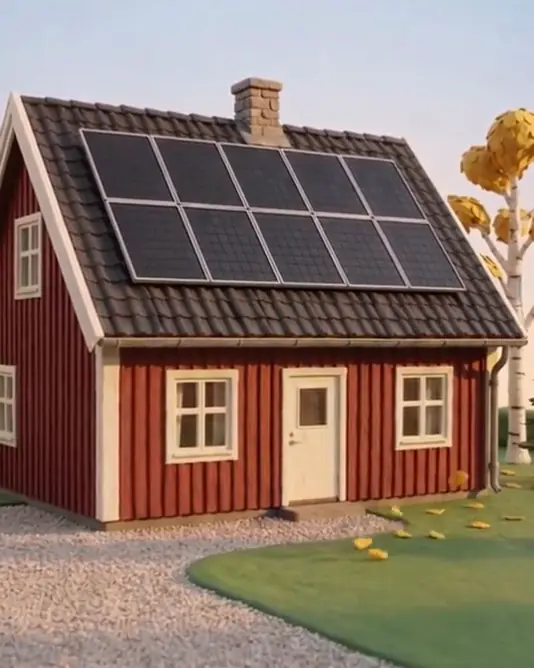
A useful hypothetical output might read: “Static camera. The clay owner turns toward the bench once. Preserve the sweater, bench geometry and lighting from the approved reference. Keep the scene exactly as in the reference image.” The input and output can then be compared line by line. If the prompt adds a pan, a new character and a location change, the skill has exceeded the brief even before generation begins.
Use negative constraints to protect specific details
Write constraints around likely failure points: no new text, no added people, no change to the product shape, no camera cut. Avoid an enormous generic list that makes it difficult to see which detail matters. Every constraint should connect to an acceptance check or an observed production risk.
In our production in October 2026, precise material descriptions matter because an object can be interpreted as part of its surroundings. Keep those descriptions near the object they qualify. For a roof example, the difference between a panel and a tile is factual, so the prompt and review both need that distinction. A stronger adjective is less useful than naming the material and the shape.
- Prompt componentReference assetAcceptance questionIs the approved image identified?
- Prompt componentLocked lookAcceptance questionAre visible properties unchanged?
- Prompt componentActionAcceptance questionIs only the requested change introduced?
- Prompt componentConstraintAcceptance questionCan its result be inspected?
Include an input-output acceptance example
Save one compact brief and the expected prompt structure with the skill. The example should show which fields are copied unchanged, which sentence is constructed and which missing input causes a stop. This tests the skill writer independently of any particular generated clip.
Try a deliberately incomplete brief. If the reference ID is absent, the skill should ask for the approved reference or return a clear incomplete result. It should not invent a character to keep moving. Then test a brief with two camera moves and require a choice before producing the prompt. These checks reveal whether the instructions enforce the production boundary or merely sound orderly when the inputs are easy.
Retest after changing the model or method
Keep the prompt, reference hash, model identifier and returned asset together. A successful earlier shot demonstrates that particular combination; it does not validate every later service version. Recheck the acceptance example when the model, tool schema or locked look changes.
A checker that does not fix: review AI ad outputs describes how an independent reviewer reports defects without quietly changing the author’s work. Run AI agents on an ad batch: briefs and boundaries covers splitting a larger batch into isolated assignments. When a still is not yet approved, use Nano Banana in Claude: plan stills before motion before writing motion instructions. claude for ads explains where the skill fits into a broader Claude workflow.
The planned connection described at Turntake’s model plans is separate from this local skill method. Do not label a written prompt as a completed video, and do not describe a returned clip as approved until somebody has compared it with the brief. The practical deliverable is a prompt that preserves the intended shot, plus enough version information to reproduce the review and decide what should change next.
Make the example pair explicit
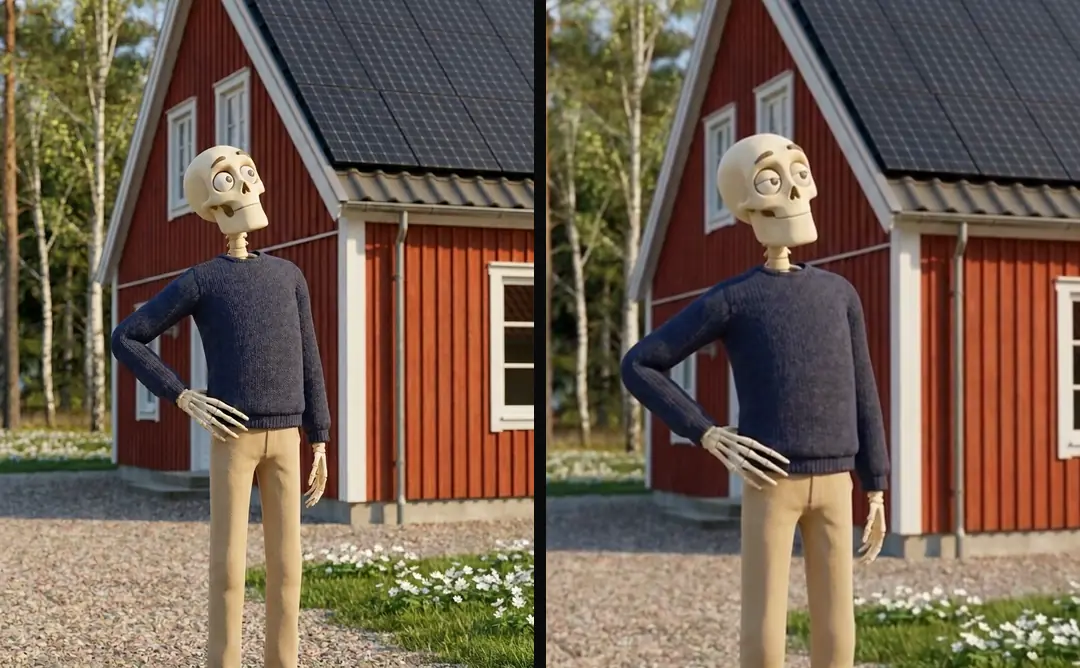
For a hypothetical input, record: reference workshop-07, static camera, owner turns toward the bench, preserve the rust sweater and all bench geometry. The expected output is one paragraph naming that reference, that single action and those fixed details, with no new scene or extra move. The sample prompt above is the corresponding output. A reviewer can compare these fields directly. If the skill adds a close-up or another character, reject the prompt before submitting a generation job.
Who wrote this We made the ads first, for SmartSolar in Denmark, Sweden and Ireland. Then we built Turntake. Where Turntake comes from
FAQ
What should a Seedance prompt skill produce?
A Seedance prompt skill should turn an approved shot brief into a constrained motion prompt. Preserve a locked character and style block, request one camera move and one action, and list the features that must remain unchanged. Test the skill against the exact model and service version you intend to use.
Which fields belong in the shot brief?
Require a reference ID, shot purpose, subject, one action, camera choice and intended duration. The purpose tells the writer why the shot exists; the action tells the motion tool what changes. A shot that explains a product mechanism needs different content from a scene that merely establishes a setting.
How do I preserve the character’s look?
In our production in October 2026, a character block and a style block are reused without casual rewriting. A separate canonical file owns clothing, proportions, materials and the scene palette. A prompt writer copies those fixed details rather than improvising synonyms that can change the look.
How many moves should I request per shot?
Our October 2026 image-to-video method uses one simple camera movement and one subtle action. The reference carries the scene, while the prompt explains the limited change. This is our working constraint, not a claim that the model supports only simple shots.
Sources
- Anthropic: Claude Code skills checked 11 October 2026
- ByteDance Seed: Seedance checked 11 October 2026
Model facts come from each maker’s own documentation, checked on the date shown. Models change, so read the source again before you plan a batch.