The ad factoryGuide
Detect frozen frames in a video ad render
Short answer
Scan the rendered file for intervals with little visual change, then review each alert against the edit plan. A detector cannot distinguish an intentional still from a broken shot. Record the interval, inspect its boundaries with audio, and verify the repaired output instead of rejecting every motionless frame automatically.
Detect an interval, then make a decision
Unexpected stillness near a join can survive a render that otherwise finishes successfully. Scan the delivered file for suspicious intervals, then compare each alert with the planned action and adjacent frames. A product still or end card may be intentional, so retain the interval and review context rather than treating low visual change as a verdict.
Start with the rendered deliverable and the edit plan. Mark where still images, held frames, and end cards are intentional. Then compare alerts against those expected intervals. A hold without a clear purpose deserves review even when it was deliberately placed. A detector locates stillness; the reviewer decides whether the stillness supports the message and whether the render matches the recipe.
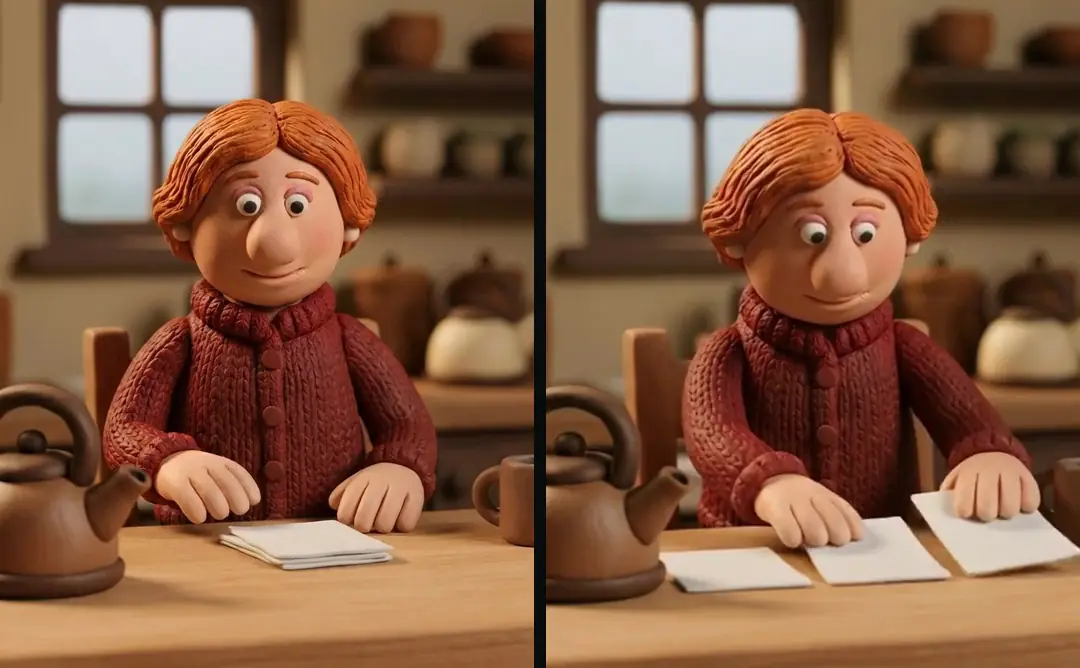
Use a threshold with a named scope
The FFmpeg: filters documentation describes freezedetect as detecting intervals with no significant change in frame content over a configured duration. Its noise tolerance and duration influence which intervals are reported. An alert therefore depends on the chosen settings as well as the picture. Small animation, compression noise, or a quiet scene can complicate the relationship between visible movement and a logged interval.
In our production in October 2026, our checklist flags unexpected freezes longer than 0.5 seconds for review. That is a house threshold, not a platform requirement or a universal standard for ad pacing. Record the threshold with the scan so another reviewer understands its scope. When a project intentionally uses a longer still, document that exception against the planned interval rather than weakening every check.
Build evidence around each alert
Keep start time, end time, duration, and the render identifier for each suspicious interval. FFmpeg can log freeze start, end, and duration information. Translate those details into a compact review queue instead of sending an editor an unexplained statement that the file has freezes. The queue should make it possible to find the same interval without replaying the whole ad repeatedly.
A hypothetical kettle sequence separates stillness with a purpose from stillness that interrupts an action. A planned closing hold can give the final instruction time to finish, while a pause during the pour needs investigation. Both may produce a detector alert. Compare the logged interval with the recipe and neighboring frames, then record whether the reviewer accepted the hold or repaired the render; the alert alone cannot decide that outcome.
- 01ScanRecord settings and candidate time intervals
- 02ContextInspect frames before, during, and after the alert
- 03DecideAccept the planned hold or identify a render fault
- 04RepeatRecheck the repaired interval in the final output
| Review record | Why retain it |
|---|---|
| Render identifier | Locate the exact scanned output |
| Alert start and end | Reproduce the suspicious interval |
| Expected action | Distinguish planned stillness from a fault |
| Final outcome | Show whether the alert was accepted or repaired |
Source: suggested production checklist, October 2026.
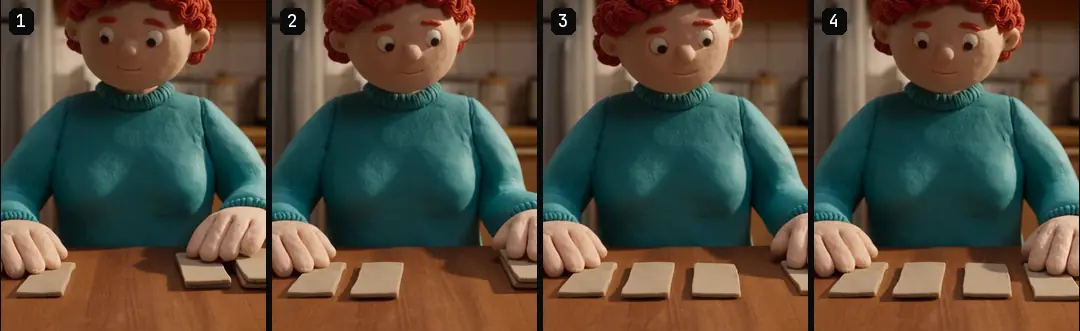
Separate intentional holds from faults
An intentional hold usually has an editorial role: give the viewer time to read a result, inspect a product detail, or finish a spoken sentence. Confirm that role in the recipe and watch the whole sentence with sound. If the hold outlasts the information or arrives during an action that should continue, it may need a shorter interval even though nothing technically failed.
An unintended freeze requires a different investigation. Check whether the source ends before the planned range, whether a time adjustment extended one frame, or whether a join introduced a gap. Trim and join ad clips with FFmpeg without drift covers trim boundaries and timestamp handling. Compare the intended source range with the rendered range before adding more motion. A replacement shot can conceal the symptom while leaving the assembly defect unresolved.
Treat black frames as another signal
A black-frame check answers a different question from a freeze check. A dark frame may be a transition, a deliberate background, or missing picture. Use a separate review note so darkness does not become shorthand for a technical failure. Inspect adjoining frames and the intended transition, then check whether audio continues across the interval in a way the edit plan actually calls for.
Our Turntake’s production workflow review sequence pairs machine findings with frame inspection. Keep a small contact sheet or timestamped frame references for disputed intervals. These references help the editor understand the visible symptom, while the original render remains the evidence for timing and audio. A still image alone cannot show whether the pause lasted one frame or several seconds.
Review the right rendered version
Scan every delivery version that has a distinct render path. Adapt video ads to new aspect ratios shot by shot explains why portrait, square, and landscape video adaptations deserve their own checks. A crop can change the visible movement even when the source interval is shared. A format-specific overlay or transition can also create a defect absent from the approved master. Name the actual reviewed file rather than assuming the first export represents the others.
- SignalFreeze alertReview questionShould this action or shot remain still here?
- SignalBlack intervalReview questionIs darkness planned or is picture missing?
- SignalWrong endingReview questionDoes the last action complete the intended beat?
- SignalDuration mismatchReview questionDoes this file match the accepted edit recipe?
Check the final frame and the audio ending even when no automatic alert appears. A shot that ends at the wrong action point may contain continuous motion and still feel unfinished. Full decoding and duration verification provide another layer of evidence. None of these checks substitutes for watching whether the final picture and spoken thought arrive at a coherent ending.
Repair the cause and repeat the interval
Once the cause is clear, choose a bounded repair. Shorten a held frame, replace an exhausted source range, fix a join, or adjust the transition. Keep the previous render for comparison until the replacement is accepted. Then scan the new output and inspect the same interval with context. A detector becoming quiet is helpful, but the picture must also match the intended action.
If the freeze follows an overly long line, the problem may begin in the script. Write UGC scripts that sound spoken covers writing spoken thoughts that fit the ad. Rewrite or divide the line when needed instead of stretching the picture merely to cover extra narration. Record whether the repair changed wording, source range, or timing so later edits do not reintroduce the original mismatch.
Close the review with an explicit outcome
Each alert should end with one of three practical outcomes: accepted intentional hold, repaired render defect, or unresolved interval with a named next check. Record who reviewed it and which output was accepted. Avoid leaving a list of raw detector messages beside an approved file; someone returning to the project cannot tell whether those messages were considered or overlooked.
ai ugc ads workflow provides the broader production sequence around this gate. Reuse the same review structure on the next ad, while keeping the motion expectation specific to its shots. The repeatable part is how evidence is recorded and checked. The creative decision still belongs to the interval, the action, and the information the viewer needs to absorb.
Who wrote this We made the ads first, for SmartSolar in Denmark, Sweden and Ireland. Then we built Turntake. Where Turntake comes from
FAQ
Does a freeze alert mean the video is broken?
No. The detector identifies low visual change over a configured duration. An intentional still or end card may trigger it. Review the interval against the edit plan with adjacent frames and audio before deciding whether the render needs repair.
Is 0.5 seconds a platform limit?
It is our October 2026 house threshold for reviewing unexpected freezes. It is not presented as a platform limit. An intentional hold can be longer when its editorial role is clear and the actual rendered interval has been reviewed.
Should I check black frames separately?
Yes. Darkness and lack of movement are different signals. A black interval may be intentional or may indicate missing picture. Inspect its boundaries and audio against the planned transition, then record a separate outcome rather than treating every dark frame as defective.
What should I send the editor after a freeze scan?
Send the exact render identifier, start and end times, duration, and a short description of the expected action. Add adjacent frame references when helpful. That gives the editor a reproducible interval and a specific question rather than an unexplained detector warning.
Sources
- FFmpeg: filters documentation checked 11 October 2026
Facts from the sources below were checked on the date shown. Pages change, so read the source again before you rely on it.