ClaudeGuide
Connect ElevenLabs to Claude for ad voiceovers
Short answer
Connect Claude to ElevenLabs only after choosing the official server route and inspecting its available tools. Keep account credentials out of chat, prepare one short pronunciation sample and approve the resulting audio before a batch. A working MCP connection does not establish that the particular voiceover capability you need is available.
Choose the route by the job
Connecting a voice tool starts with a narrower task than managing an entire audio workspace. Specify the approved narration, the audio you expect back and the review required before using it. Choose account access that supports those operations without turning a production request into authority over unrelated workspace resources. Choose a connection whose exposed tools support the defined job, then review the actual audio before placing it in the edit.
ElevenLabs’ official MCP page distinguishes its hosted server from the original local server. The hosted route uses account sign-in; the local developer route requires an API key. Tool coverage can differ. Inspect the actual tool list before assuming that a connection intended for agent management also exposes the narration operation you planned.
A hypothetical charger narration contains a product name whose pronunciation is uncertain. Keep the approved display spelling and test a separate spoken input on one sentence. This limits the first decision to what the voice actually says, rather than combining connection setup with full narration approval. After listening, record the accepted input and voice asset relationship. This describes a proposed job; it is not a provider interface or evidence of automatic Turntake generation.
Anthropic’s Claude Code MCP documentation describes remote HTTP and local stdio connections. Follow the current instructions for the official server you selected, rather than adapting an old setup command from a screenshot. Record the route and the installed client version in a local setup note.
Then inspect the available tool names, input fields and side effects. A voiceover workflow needs a text-to-audio path, an identifiable voice and a way to retrieve output. If those tools are absent, stop at that finding. A successful sign-in is evidence of authentication, not proof that every ElevenLabs feature can be called through that server.
| Check | Suggested action |
|---|---|
| Route | Choose hosted or local from official documentation |
| Capability | Inspect the actual narration tool |
| Sample | Include brand and difficult words |
| Batch | Require sample approval first |
Source: Turntake editorial checklist (proposed), October 2026.
Keep credentials outside the conversation
In our production in October 2026, scripts read secrets from a dedicated local location, and keys are never printed or pasted into chat. The person enters credentials through the provider’s documented local or account flow. Setup notes contain secret names and locations, never values.
Watch logs as well as prompts. A failed request may echo headers or a full configuration object. Limit diagnostic output to the operation, non-secret identifier and error category. Keep a test request separate from a production batch so troubleshooting cannot accidentally resend every script. The broader division between written skills and connectors is explained in Claude skills vs MCP for ad production, including why a connector’s capability list deserves its own review.
- 01Inspect official routeConfirm required voice tool
- 02Enter credentials locallyKeep values out of notes
- 03Create pronunciation sampleUse difficult script words
- 04Approve the audioPermit a bounded batch
Prepare a pronunciation sample with real difficulty
Choose a short passage containing the words that matter: the brand, a place name, an abbreviation and the actual closing instruction. Use representative punctuation. A generic greeting can establish that audio returns while missing the pronunciation problem that will affect every ad.
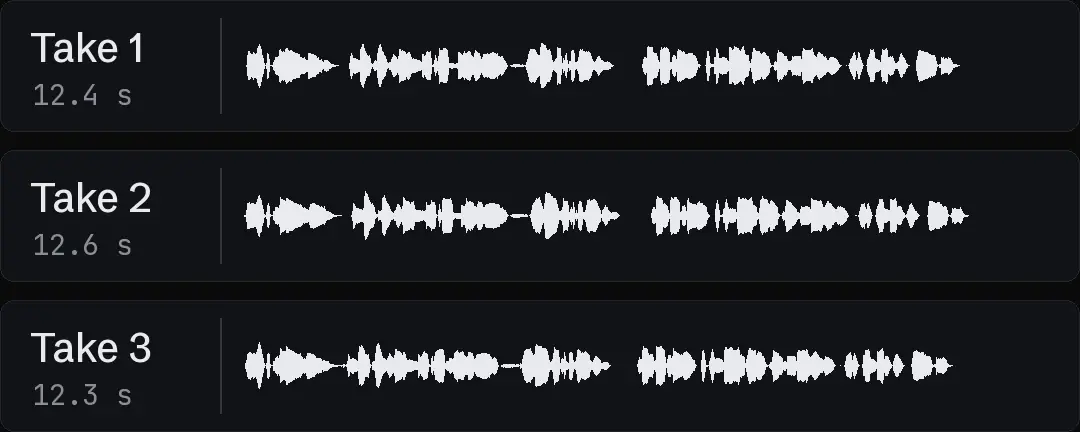
Keep display text and pronunciation text as separate files. In our October 2026 production, captions use standard spelling while the voice input may spell out numbers or abbreviations. Do not push phonetic spelling into captions. Save the voice identifier, model identifier and sample text with the returned audio. This record makes the approved sample useful when someone later prepares a batch.
Listen before approving a batch
Play the sample against the approved script, then compare a transcription with the intended words. A transcript can flag omissions, but listening is still needed for stress, pauses and pronunciation. A waveform alone cannot tell whether a place name is correct.

If a word fails, revise that word or the sentence around it and create another sample within the agreed limit. Do not rerun the whole set to test one pronunciation. In our production in October 2026, short voice samples and language review precede larger generation jobs. A batch should inherit a confirmed voice choice and script form, not a chain of unresolved experiments.
- Connection checkAuthenticated accountAudio checkCorrect spoken words
- Connection checkAvailable tool nameAudio checkSuitable pauses and stress
- Connection checkReturned output linkAudio checkDownloaded playable asset
Separate voice approval from account authority
A person approving the sample approves a defined audio treatment for a defined script. That does not approve deleting agents, changing account resources or starting unrelated jobs. Keep the allowed operation narrow even when the server exposes a broader set of tools.
The same principle shapes Can Claude run Meta ads? Our read-only boundary: analysis and production do not imply permission to change a live ad account. Record the batch count and stop condition before running it, and keep a request ledger for submitted work. If a connection drops, inspect the existing job before repeating the submission. Do not treat an interrupted local tool call as proof that the provider did nothing.
Save the assets the editor will need
Keep the approved audio, standard script, pronunciation script and word timing data together under stable asset IDs. Check the downloaded file rather than relying on a return message that says it succeeded. The editor needs duration and the actual speech to fit shots and captions around the voice.
For the complete production context, read claude for ads. If the next step is motion, Write a Seedance prompt skill for Claude covers a separate prompting method; it should receive the approved audio decision as an input rather than reopening it. Turntake’s model plans describes the planned model connection in Turntake. The official ElevenLabs connection described here is a provider setup route, and should not be confused with an already available Turntake generation feature.
Close the setup test with a small record: route, inspected capabilities, sample asset, pronunciation decisions and named approver. That is more useful than “connected successfully,” because it tells the next operator exactly which part of the proposed workflow has been demonstrated.
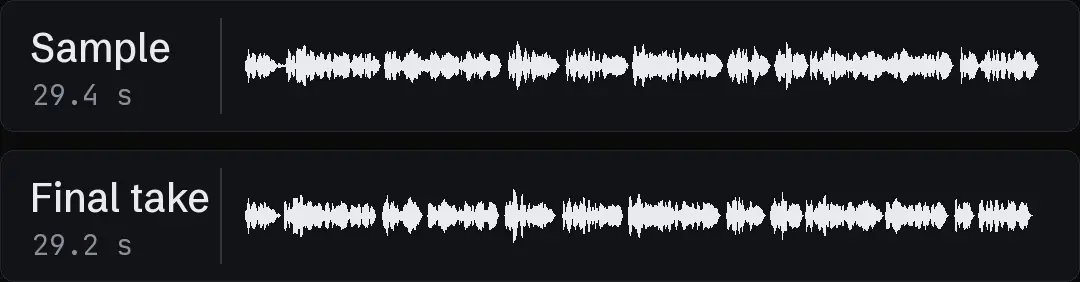
Check the downloaded sample
Give the returned audio a new local asset ID and play the downloaded copy rather than a browser preview. Record whether the file contains the complete closing phrase. If the tool returns metadata without a downloadable asset, describe that limitation before planning the batch. Keep the sample approval tied to the actual voice and model identifiers. Changing either identifier after approval creates a new sample decision, even when the script text has not changed.
Who wrote this We made the ads first, for SmartSolar in Denmark, Sweden and Ireland. Then we built Turntake. Where Turntake comes from
FAQ
Which ElevenLabs connection should I choose?
Connect Claude to ElevenLabs only after choosing the official server route and inspecting its available tools. Keep account credentials out of chat, prepare one short pronunciation sample and approve the resulting audio before a batch. A working MCP connection does not establish that the particular voiceover capability you need is available.
How do I check the tools exposed by MCP?
Anthropic’s Claude Code MCP documentation describes remote HTTP and local stdio connections. Follow the current instructions for the official server you selected, rather than adapting an old setup command from a screenshot. Record the route and the installed client version in a local setup note.
Where should I enter account credentials?
In our production in October 2026, scripts read secrets from a dedicated local location, and keys are never printed or pasted into chat. The person enters credentials through the provider’s documented local or account flow. Setup notes contain secret names and locations, never values.
What should a pronunciation sample contain?
Choose a short passage containing the words that matter: the brand, a place name, an abbreviation and the actual closing instruction. Use representative punctuation. A generic greeting can establish that audio returns while missing the pronunciation problem that will affect every ad.
Sources
- ElevenLabs: MCP checked 11 October 2026
- Anthropic: Claude Code MCP checked 11 October 2026
- ElevenLabs: Text to speech checked 11 October 2026
Model facts come from each maker’s own documentation, checked on the date shown. Models change, so read the source again before you plan a batch.