The ad factoryGuide
Zooms in video ads: punch-in, push and crash
Short answer
Choose a zoom because it directs attention: a punch marks a point, a push builds focus, and a gentle move keeps a still scene active. Preserve edge room, inspect the speaker and product throughout the move, and keep captions clear. Our zoom grammar is a production convention rather than a platform rule.
Movement without a viewing purpose can make a clear shot harder to read. Decide what the zoom should reveal, emphasize, or connect before selecting an effect. Check the starting composition, moving crop, and destination against the spoken beat so the viewer’s attention arrives at something useful rather than simply noticing the camera move.
Name the attention change
Write what the viewer should notice before and after the move. A tighter view can emphasize a product detail; a gradual reveal can establish the surrounding task. If the shot needs the same information throughout, a static crop may be the clearer choice.
In our production in October 2026, zoom types have distinct roles. A punch-in marks a point, a push builds attention over a graphic, and a gentle move suits realistic b-roll. Those are house conventions. They do not establish that a specific move improves every ad or that viewers respond to it in one predictable way.
Separate the main types of move
A sudden crop change has different energy from a gradual move. Match that energy to the spoken sentence. A quiet explanation may not need a crash into the face; a key detail may benefit from a controlled punch.
Keep dramatic accents scarce enough that they retain meaning. Repeating the same punch on every stressed word can make all parts of the sentence seem equally important. Review the sequence of moves across the whole ad rather than approving each effect independently. A local emphasis can become a repetitive pattern when several shots are joined.
| Move | Our production purpose |
|---|---|
| Punch-in | Mark a specific point |
| Gradual push | Build attention on a graphic or scene |
| Gentle movement | Keep realistic b-roll active |
| No zoom | Preserve a readable screen or action |
Source: our own production rules, October 2026.
Check edge room before keyframing
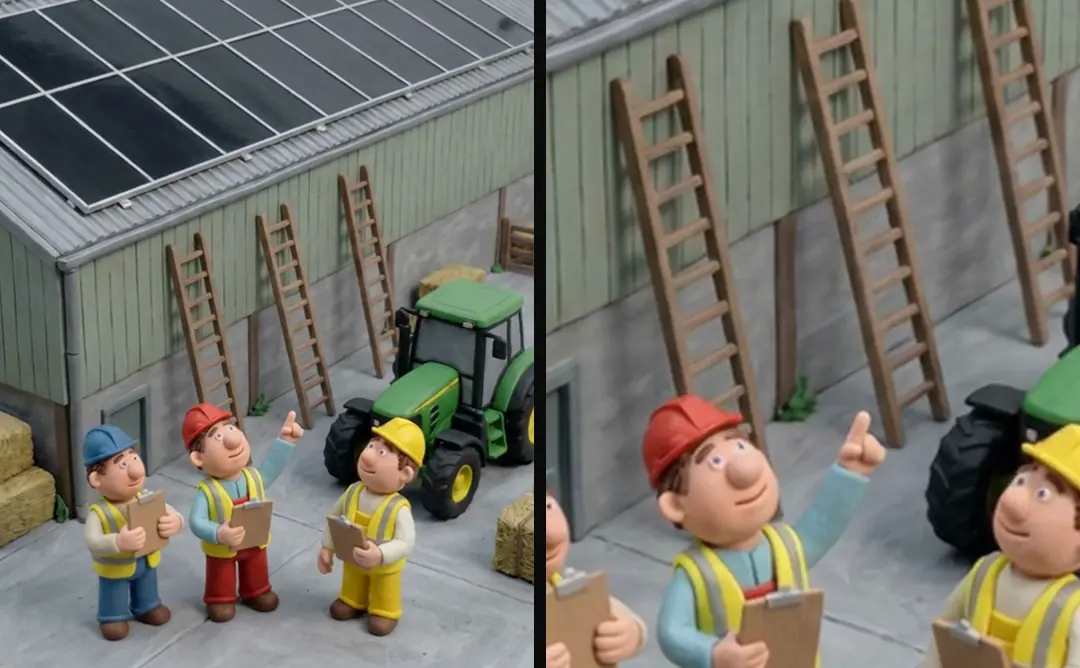
Inspect the source at its widest and tightest intended crops. Make sure the move cannot expose an empty edge or remove an essential part of the product. A source already cropped tightly may have no usable room for a push.
For a hypothetical container demonstration, the lid and the hand’s contact point may both need to remain visible. A move toward the label could remove the mechanism just as the narrator explains it. Choose the attention target from the sentence and evidence, then decide whether the source supports that crop without hiding the action.
In a hypothetical latch demo, the latch supplies a clear reason for the push: the voice is directing attention to that mechanism. Compare the start, intermediate crop, and destination with the phrase and finger contact. If the move enlarges empty background or pushes the latch out of view, its motion does not serve the instruction. Adjust the target or retain the static composition, then review the actual crop with captions before accepting the effect.
Plan speaker crops around the whole movement
In our production in October 2026, one talking-head pattern starts tighter and eases out so the wider frame lands on a selected word. The word onset gives the move an explicit timing target.
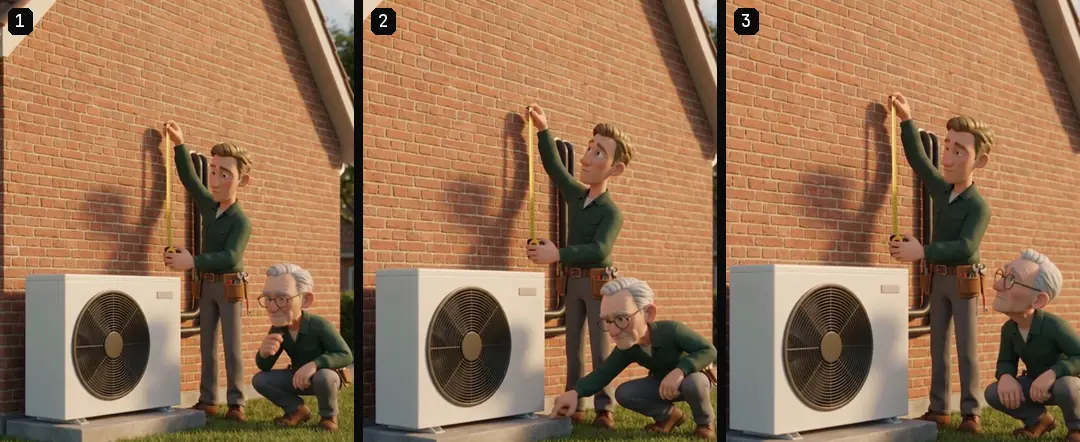
Check headroom, shoulders, and mouth visibility throughout. A crop that is flattering at the start can leave the face awkwardly positioned when the speaker leans. Do not judge only the first and last keyframes. Inspect intermediate frames and normal playback, especially where the move changes speed or the person’s posture shifts.
Keep text and product geometry protected
Place the final caption track over the moving crop during review. A zoom can bring a product into the caption area or enlarge a background label until it becomes distracting. A static layout check is insufficient when the picture keeps moving beneath it.
If the move reveals previously unreadable generated text, return to the source or overlay plan. Do not accept a new visual claim simply because it enters the frame late. Write a video ad brief an editor can act on explains writing the creative brief, where the intended attention target and protected details should be stated before the editor adds motion.
- 01Name the attention targetWhat should become clear?
- 02Check crop roomProtect product and speaker
- 03Time the moveSentence or word target
- 04Inspect the rendered sequenceText, edges, smoothness
Inspect smoothness without confusing it with pace
In our production in October 2026, rendering a zoom at a larger intermediate size and scaling down reduced rounding jitter in our route. That is a documented implementation choice, not a universal requirement for every editing tool.
First decide whether the movement itself suits the beat. Then inspect technical smoothness. A perfectly smooth zoom can still arrive too late or distract from a word. FFmpeg for ad pipelines: traps from our renders covers render-pipeline failures; if the final output jitters, inspect the rendered frames rather than assuming the timeline preview proves the export is correct.
- Editorial questionDoes the move emphasize the right point?Technical questionDoes the render move smoothly?
- Editorial questionDoes it arrive with the sentence?Technical questionAre edges exposed or frames jittering?
- Editorial questionDoes it preserve the demonstration?Technical questionDo intermediate crops stay valid?
Make review notes about the visible result
Write “the crop hides the handle as it opens” or “the push reaches the label after the line ends.” Those notes specify the problem and its interval. “More dynamic” leaves the editor to guess whether to change scale, timing, speed, or shot selection.
A video approval workflow for small teams covers a small-team approval loop. Give the crop decision a clear owner and compare the next take with the previous version. If several reviewers request different focal points, resolve which point the sentence needs before adding competing moves. One shot cannot keep every detail equally prominent at once.
Preserve keyframes with the source reference
Save the source ID, crop bounds, keyframe times, target word if used, and the accepted rendered preview. A later voice change can move the target word, while a clip swap can change available edge room. Both deserve a new inspection of the move.
ai ugc ads workflow provides the wider workflow, and Turntake’s production workflow explains the production approach. The useful deliverable is a purposeful, inspectable crop, not simply a zoom effect. The next edit should retain the intended attention shift while keeping the speaker, product evidence, and readable text inside the frame.
Who wrote this We made the ads first, for SmartSolar in Denmark, Sweden and Ireland. Then we built Turntake. Where Turntake comes from
FAQ
When should I use a punch-in?
Use it when a specific point deserves a clear visual accent and the source has room for the tighter crop. Our production treats it as emphasis, not a default on every phrase. Review its effect across the complete sequence.
How do I know a source has enough edge room?
Inspect the widest, tightest, and intermediate intended crops. Keep the product action, face, and caption area visible throughout. A tightly cropped source may not support the move even when the opening frame looks acceptable by itself.
Can a smooth zoom still be wrong?
Yes. It can hide evidence, arrive after the spoken point, or create unnecessary emphasis. Approve the editorial purpose separately from technical smoothness. Watch normal playback with the final voice and captions before accepting the rendered move.
What should a zoom review note include?
Name the visible problem, its interval, and the detail that should remain clear. Specify whether the issue is crop, timing, or smoothness. Keep keyframes and source references so the next take can address that exact decision.