The ad factoryGuide
Drone explainer ads: labels that explain one idea
Short answer
Build a drone explainer around one readable visual argument: a stable aerial view, a limited camera move and labels that remain attached to the right objects. Decide which text belongs in the still and which must remain an editable overlay. Check every label on a phone, and distinguish an illustrative building from evidence about a real property.
Choose what the aerial view explains
An aerial shot is useful when it shows a relationship that would be harder to understand close up: a roof and its sections, a building and its surroundings, or a sequence of labeled areas. A decorative flyover alone does not make an explanation. Choose movement and labels that help the viewer follow that specific relationship throughout the shot.
In our production in October 2026, broad architectural motion is kept restrained to protect geometry. Start with the fact or mechanism the viewer should understand, then decide whether the overhead view truly helps. ai ugc ads workflow covers the general ad workflow. This guide concentrates on a stable visual explanation rather than an elaborate camera move.
For a hypothetical warehouse access explanation, the overhead view earns its place by showing two entrances together. A restrained move and editable labels can clarify their relationship. If the building is invented, the picture remains a concept illustration; it cannot establish where a real customer should arrive. Use verified property footage for that factual instruction, and inspect whether the movement preserves both entrances throughout the relevant spoken line.
A generated building can establish a scene or support a metaphor. It cannot establish the condition, dimensions or installed equipment of an actual property. If the claim depends on a real roof, use the appropriate real footage or a sourced diagram.
Write that distinction in the shot brief. A hypothetical warehouse view might illustrate where equipment could appear without asserting that the depicted installation exists. The labels must follow the same boundary. “Illustrative layout” is different from a measured plan. Do not add precise-looking dimensions or capacity claims simply because the aerial perspective makes them look plausible. The visual should communicate the approved explanation, not manufacture new evidence.
| Check | Suggested action |
|---|---|
| Purpose | Use overhead for a specific relationship |
| Geometry | Inspect rigidity through the shot |
| Layers | Require labels in the render recipe |
| Readability | Check complete phone playback |
Source: Turntake editorial checklist (proposed), October 2026.
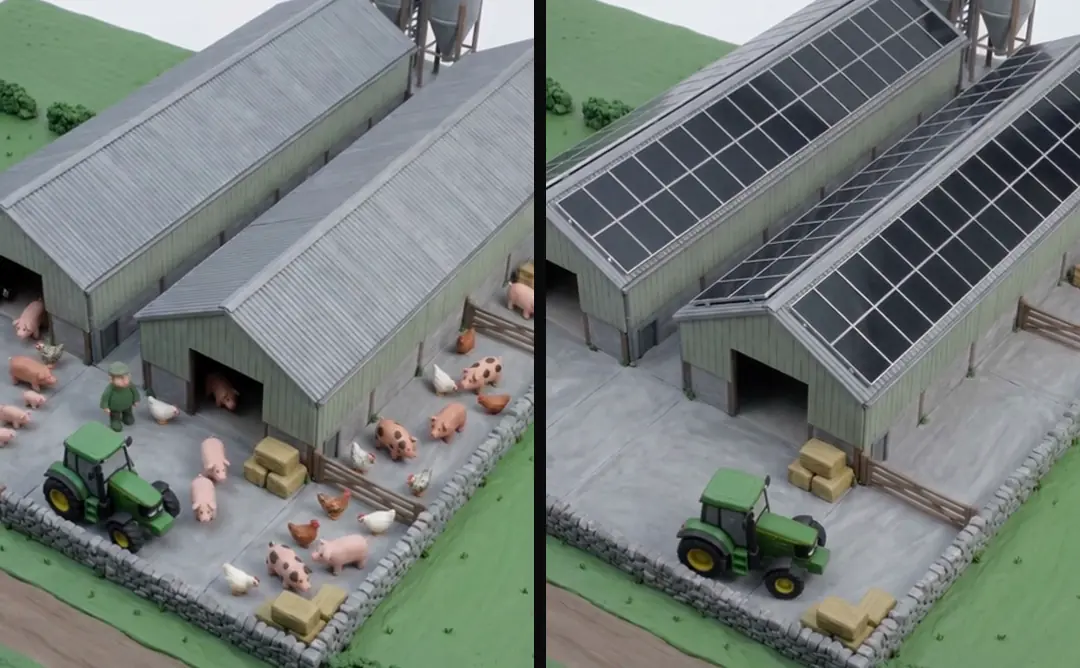
Keep camera movement subordinate to geometry
Our October 2026 architecture method uses nearly static motion for wide building shots. A slow movement should preserve roof planes, corners and object positions. Inspect those features in the actual clip rather than trusting a prompt that requested rigidity.
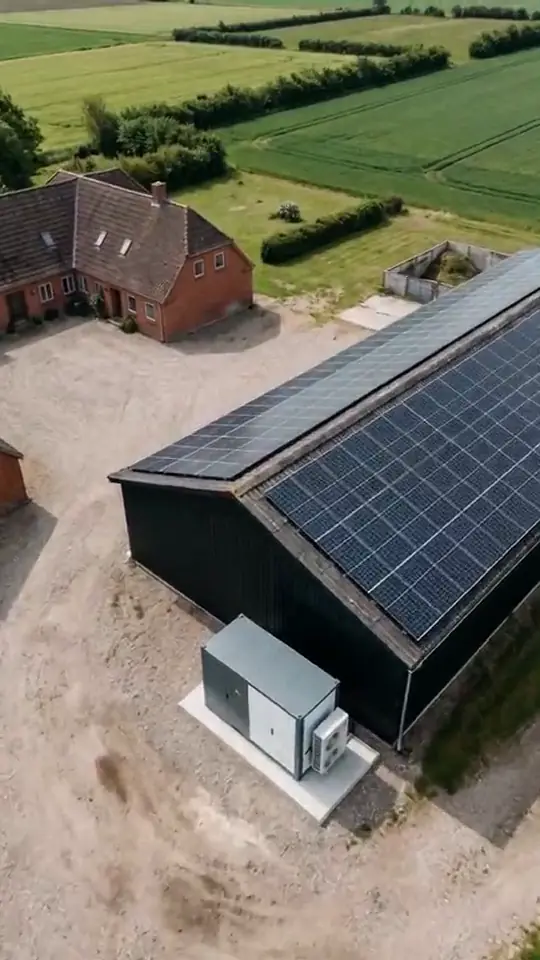
One move is enough for a short explanatory shot. A pan, orbit and push combined can make the label work much harder and leave little time to read. Faceless AI ads for brands: show the useful action describes how useful actions can carry an ad without a speaking face. If the explanation needs another side of the building, prepare another approved angle. A clean cut between two stable views can be easier to understand than a continuous move that distorts the object or hides the referenced area.
- 01Name aerial relationshipDecide why overhead helps
- 02Approve stable viewPreserve building geometry
- 03Declare label anchorsKeep factual wording controlled
- 04Inspect phone playbackVerify association and reading
Decide where each label lives
Text that is integral to an approved start frame may remain in that frame, but verify it through the motion. Dates, factual labels and long explanations often need editable overlays so the wording stays controlled. Keep their source text and placement in the recipe.
In our production in October 2026, label overlays can restore controlled text when animation distorts it. The source wording still needs approval. A label anchored to the screen can be appropriate for a general heading; a label identifying a particular roof section must remain associated with that section as the camera moves. Choose the anchor deliberately and review the relationship across the full shot.
Preserve labels through the complete render
A label that appears correctly in a preview can still be lost during assembly. Declare every graphic as a required layer, with file, start time, duration and ordering. Do not let a renderer silently omit a layer it cannot handle.
Check the first frame, the middle and the final frame of each label interval. Look for drifting anchors, premature disappearance and text hidden behind another overlay. AI static ads: a clear image before decoration covers visual hierarchy and controlled typography, which also matter in an aerial label. If the camera movement makes reliable placement impossible, simplify the movement or choose a fixed diagram. The explanation matters more than preserving a motion effect that forces the viewer to guess what the label refers to.
- Label typeGeneral headingPlacement choiceScreen anchor
- Label typeRoof-section namePlacement choiceObject association
- Label typeDate or qualificationPlacement choiceEditable controlled overlay
- Label typeMeasured property claimPlacement choiceReal supporting evidence
Test reading on the intended screen
View the ad on a phone-sized display at normal playback speed. A label that can be read while paused on a desktop may not be readable during a moving shot. Reduce text, increase contrast or hold the view longer where needed.
Use labels to name, not to reproduce an entire spoken paragraph. Keep the essential qualification visible with the claim it limits. A separate end card is too late if the earlier aerial label implies something broader. Music and sound effects for short video ads covers the separate music and effects choices around an explanatory shot. Check the final crop with captions and interface overlays, because the roof section or label may occupy space that looked empty in the isolated still.
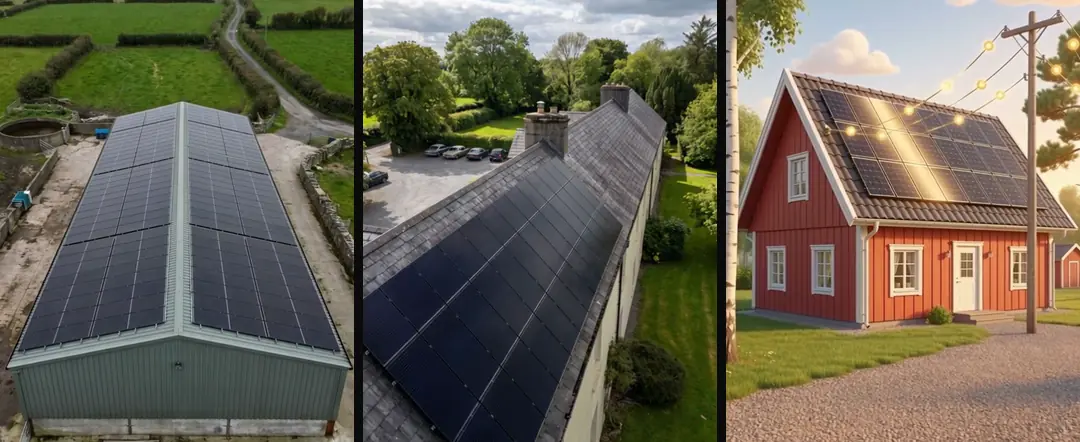
Deliver a labeled shot with its evidence note
The handoff should include the background asset, editable graphics, approved label text, anchor choices and a note identifying illustrative elements. The editor should not have to infer which text can be changed or whether a building represents a real location.
Review the final ad once without sound. The visual explanation should still associate each label with the intended object. Then play it with sound to check whether narration and labels reinforce the same mechanism instead of presenting two competing explanations.
Turntake’s production approach describes Turntake’s production approach. A useful drone explainer is a controlled visual argument. Stable geometry, accurate labels and readable timing make the aerial format useful; additional motion should earn its place by helping the viewer understand the relationship being shown.
Check association at a difficult frame
Find the moment where the camera is farthest from its starting position and inspect every object label there. A label can begin correctly and drift toward a neighboring roof section later. If the association becomes ambiguous, shorten the move, adjust the anchor or replace the shot with a stable view. Do not rely on the narrator to repair a misleading visual relationship. A person watching without sound should still be able to tell which object is being named.
Who wrote this We made the ads first, for SmartSolar in Denmark, Sweden and Ireland. Then we built Turntake. Where Turntake comes from
FAQ
When is an aerial shot useful in an ad?
Build a drone explainer around one readable visual argument: a stable aerial view, a limited camera move and labels that remain attached to the right objects. Decide which text belongs in the still and which must remain an editable overlay. Check every label on a phone, and distinguish an illustrative building from evidence about a real property.
Can generated architecture prove a property claim?
A generated building can establish a scene or support a metaphor. It cannot establish the condition, dimensions or installed equipment of an actual property. If the claim depends on a real roof, use the appropriate real footage or a sourced diagram.
How much camera movement should I use?
Our October 2026 architecture method uses nearly static motion for wide building shots. A slow movement should preserve roof planes, corners and object positions. Inspect those features in the actual clip rather than trusting a prompt that requested rigidity.
Which labels should remain editable?
Text that is integral to an approved start frame may remain in that frame, but verify it through the motion. Dates, factual labels and long explanations often need editable overlays so the wording stays controlled. Keep their source text and placement in the recipe.