The ad factoryGuide
Fix caption drift from the first word to the last
Short answer
Fix caption drift by measuring the error at the start, middle and end of the rendered video. A constant error suggests an offset; an error that grows suggests a timing-scale or source mismatch. Use the final audio as the reference, correct the cause and recheck cue boundaries instead of shifting every cue until one moment looks right.
Identify the audio you are actually checking
Captions that slip behind speech may belong to an earlier recording, even when the written script still matches. Confirm that the caption file and video use the same voice revision before moving a cue. A new recording can change pauses and word durations without changing the words. Measure the opening, middle and ending so a fixed offset can be distinguished from growing drift or a local splice.
In our production in October 2026, word timing follows the voice, and captions retain standard script spelling. ai ugc ads workflow covers the wider workflow. Drift repair begins with that reference relationship. If the cues follow an older voice, repeated manual shifts may hide one symptom while leaving the rest of the ad wrong.
For a hypothetical voice track, choose clearly audible words near the beginning, middle and end. Record caption error with a consistent sign convention, so each observation means the same thing. Similar errors suggest checking an offset; growing errors suggest a different timing investigation. Neither pattern alone proves the cause. Confirm the accepted audio identity first, then use the measurements to select a bounded correction and recheck the same words afterward.
Choose clearly audible words near the opening, center and ending. Record when each word begins in the rendered audio and when its caption appears. Define the sign of your measurement, so “positive” consistently means either early or late.
Use the same method at all three points. A vague statement that the captions “feel slower later” is a useful symptom but not a repair plan. In our October 2026 caption method, the rendered audio is checked rather than assuming that source word times survived every edit. A trim, speed change or different audio input can alter the relationship between the original cue file and the final media.
| Check | Suggested action |
|---|---|
| Reference | Use final rendered audio |
| Measurement | Sample opening, middle and ending |
| Cause | Distinguish offset from scaling |
| Validation | Check corrected cues in final media |
Source: Turntake editorial checklist (proposed), October 2026.
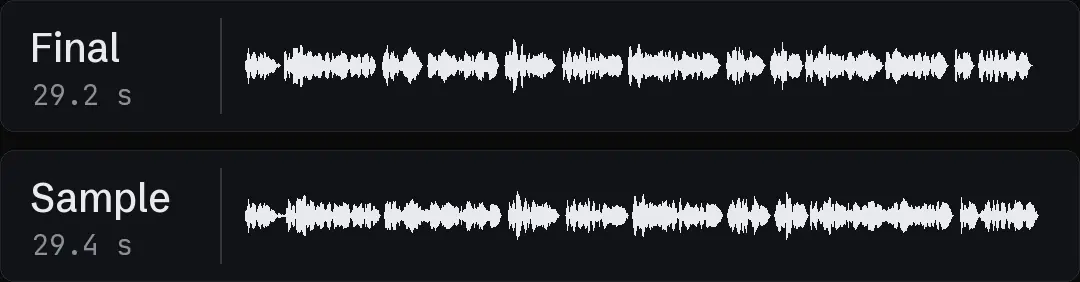
Distinguish offset from gradual drift
If the measured error is roughly the same throughout, inspect a start offset, inserted silence or a moved audio track. If the error grows over time, inspect time scaling, frame-rate handling and whether cues were generated for another recording.
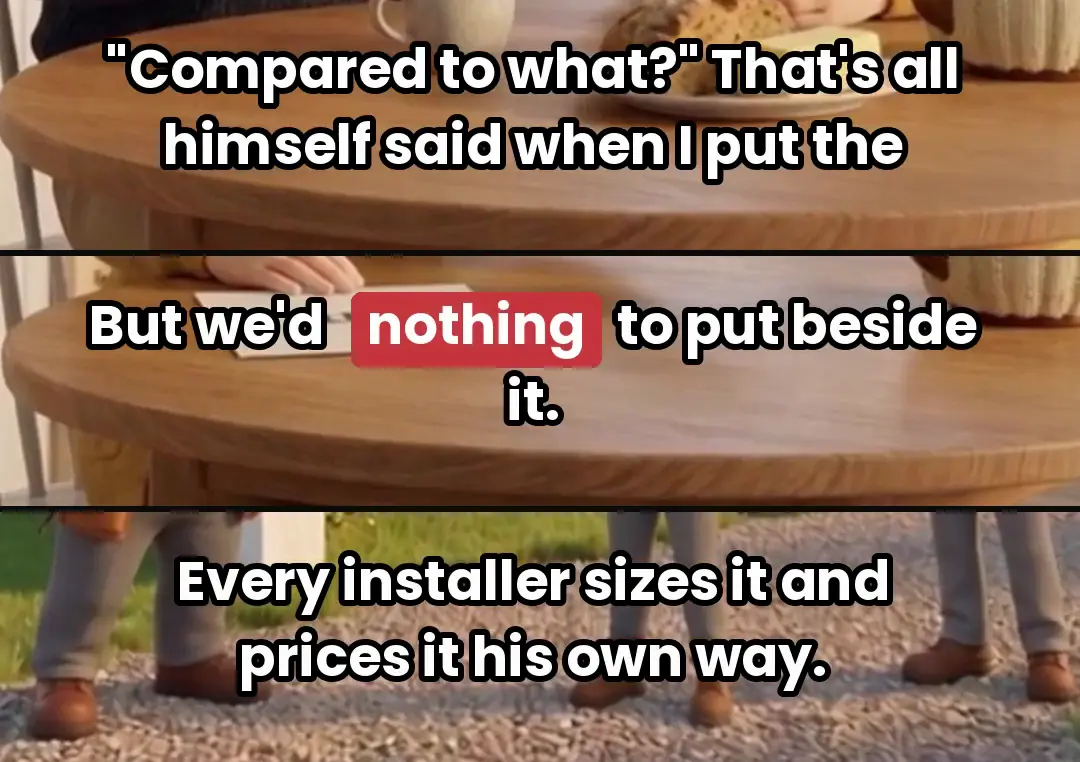
A hypothetical file that is late by the same amount at all three sample words may need one offset correction. A file that begins aligned and ends far behind needs another diagnosis. Do not use a uniform shift to repair a changing error. It can improve the ending while making the opening wrong. Keep the measurements with the revision so the next reviewer can see what cause the proposed correction addresses.
- 01Identify final voiceMatch caption revision
- 02Measure three locationsRecord error direction
- 03Diagnose error patternOffset or changing timing
- 04Render correctionRecheck starts and ends
Correct the timing source before polishing groups
Resolve an audio-version mismatch by rebuilding timing from the intended voice. Resolve a known offset in one controlled place. If time scaling is the cause, compare source and output durations before applying a transformation to the cue map.
In our production in October 2026, normalized word records keep downstream tools independent of the transcription service. Use that kind of stable representation to avoid repairing separate caption exports by hand. A correction should flow into every required output. Keep the old cue map and the new map as distinct revisions, particularly when the repair changes many intervals. The original measurements remain useful evidence of the defect.
Inspect cue ends as well as starts
A cue can begin correctly but remain visible after the spoken thought or disappear before the last consonant. Check start and end times, reading duration and overlap with the next group. Do not force a minimum duration that pushes one cue into another without reviewing the consequence.
Our October 2026 caption practice treats grouping and readability as separate from transcription spelling. A long word or short phrase may need another group layout rather than a timing extension. Vertical video safe zones: review the final crop covers safe areas, where a corrected cue can still cover the product. Accurate timing does not establish that the text is readable or positioned appropriately in the final crop.
- Observed patternSame error throughoutInspect firstStart offset or inserted silence
- Observed patternError increases graduallyInspect firstTiming scale or source mismatch
- Observed patternOne local jumpInspect firstEdit or audio splice
- Observed patternCorrect starts, late endingsInspect firstCue duration and grouping
Recheck the final render
Render the correction and measure the same sample words again. Then inspect the joins where voice or visual timing changed. A source file that parses correctly does not establish that the renderer used the intended revision.
Loudness for social video: measure the finished mix covers final loudness checks and Mix music under voiceover without losing the words covers music under the voice. Keep those audio checks separate from caption sync, but use the same final media file for review. If a new mix adds a leading pad or changes duration, identify whether the cue relationship changed. Avoid declaring sync approved from a previous render while reviewing sound on a new file with a similar name.
Record the diagnosis and the residual limits
The repair note should name the voice ID, cue revision, measured pattern, applied correction and result of the final check. If some words remain uncertain, locate them instead of claiming the entire file is exact. Listening and transcription each have limits, particularly around soft consonants and overlapping sound.
Turntake’s production approach describes Turntake’s production approach. This is a manual and scripted studio method, not a claim that a currently available automatic Turntake report diagnoses every caption problem.
For a suggested last pass, watch the ad at normal speed without repeatedly pausing. The measured sample checks establish the timing pattern, while playback reveals awkward group changes or cues that feel detached from the thought. Keep the factual wording unchanged during timing repair unless a separate text correction has been approved. That preserves the difference between fixing synchronization and rewriting the message.
Check a local splice separately
Suppose the opening and ending align but one middle phrase is late. Inspect whether an audio splice or pause edit moved that interval without updating its cues. A global offset would damage the parts that already align. Repair the local mapping and check the words immediately before and after it. This hypothetical pattern illustrates why three sample points are a starting diagnosis rather than a substitute for reviewing edited intervals and cue boundaries.
Who wrote this We made the ads first, for SmartSolar in Denmark, Sweden and Ireland. Then we built Turntake. Where Turntake comes from
FAQ
How can I diagnose and fix drifting captions?
Fix caption drift by measuring the error at the start, middle and end of the rendered video. A constant error suggests an offset; an error that grows suggests a timing-scale or source mismatch. Use the final audio as the reference, correct the cause and recheck cue boundaries instead of shifting every cue until one moment looks right.
How do I measure start, middle and end?
Choose clearly audible words near the opening, center and ending. Record when each word begins in the rendered audio and when its caption appears. Define the sign of your measurement, so “positive” consistently means either early or late.
How do I distinguish offset from gradual drift?
If the measured error is roughly the same throughout, inspect a start offset, inserted silence or a moved audio track. If the error grows over time, inspect time scaling, frame-rate handling and whether cues were generated for another recording.
How do I correct the timing source before polishing groups?
Resolve an audio-version mismatch by rebuilding timing from the intended voice. Resolve a known offset in one controlled place. If time scaling is the cause, compare source and output durations before applying a transformation to the cue map.